
Unnamed devices in industrial settings operates under diverse environments and conditions.#
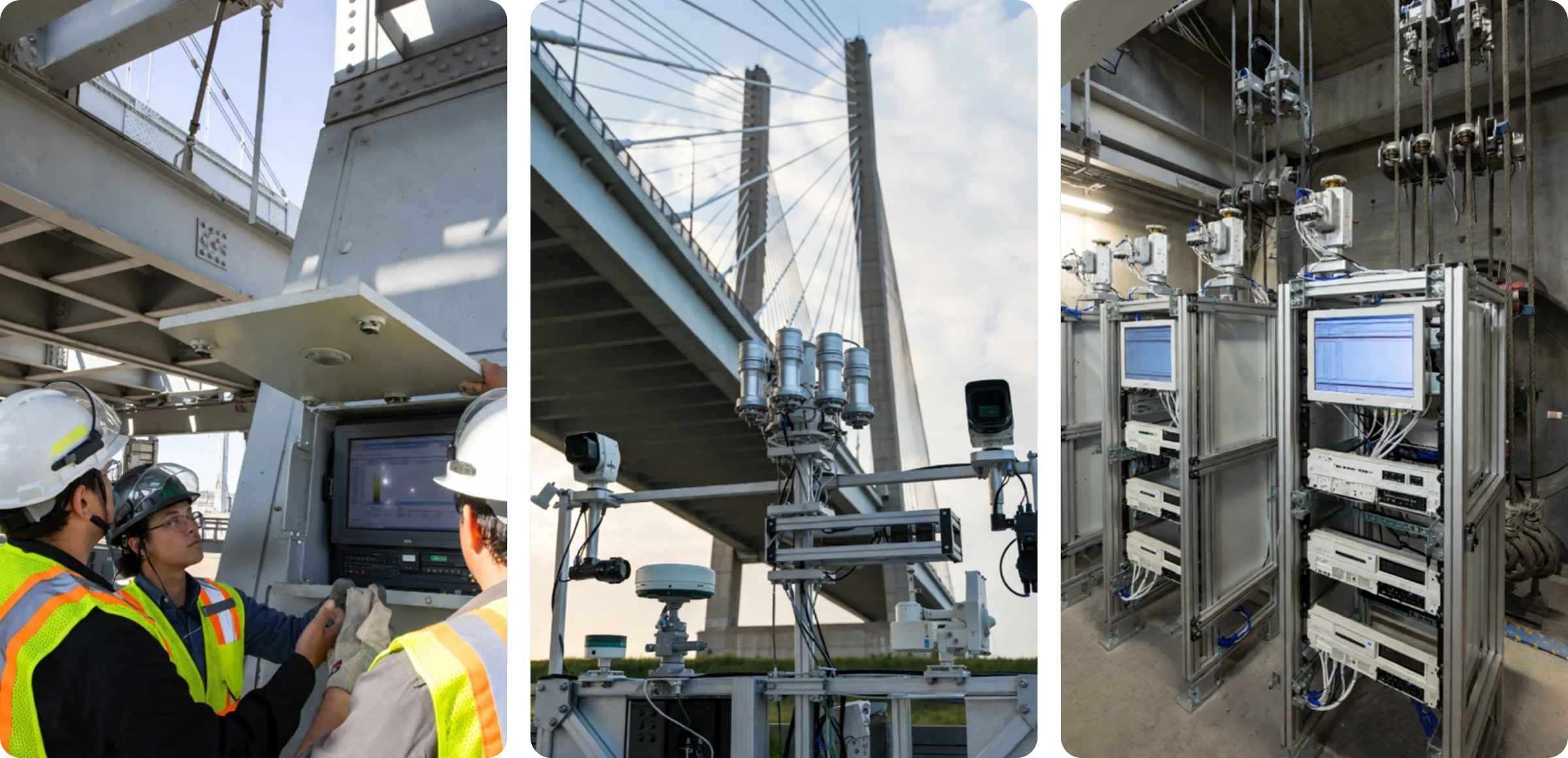
In these environments, network outages and instability multiple times a day are common.#
| Environment | Situations |
|---|---|
| Mobile Networks | Repeated connection instability, increased packet loss when moving between cells, and temporary signal strength degradation. |
| Wi-Fi-Based Networks | Long connection delays and intermittent disconnections, and signal weakening due to interference (microwave ovens, other APs). |
| Military Communication Networks | Temporary connection interruptions due to security policies, and temporary interruptions in transfer paths during equipment maintenance. |
| Industrial Leased Lines | Signal instability due to environmental factors (temperature changes, mechanical vibrations), and disconnections during equipment maintenance. |
| Long-Distance Transfer (Overseas Circuits) | Segmental disconnections within transfer paths, a sharp decline in connection quality due to increased RTT, and transfer delays during international backbone congestion. |
| Low Bandwidth | Excessive transfer latency and delays, and packet drops during momentary traffic increases. |
| Concentrated Traffic at Specific Time Zones | Degraded connection quality due to bottlenecks, and insufficient bandwidth due to increased usage in the same section. |
| Shared Networks (Mixed Internal VLANs) | Overall quality degradation due to traffic overload from a specific device, and broadcast storms. |
| VPN-Based Connections | Slow transfer speeds due to encryption overhead, and momentary disconnections during session renegotiation. |
| Cloud-Internal Integration Environments | Instability in transfer speeds due to Internet path congestion, and session resets due to changes in cloud security policies. |
| High-Density AP Environments (Cafes, Airports, etc.) | AP saturation due to excessive connections, resulting in increased packet interference and retransfers. |
| Satellite Networks | Transfer delays due to high latency (RTT 500-700ms). Increased failure rates, signal weakening due to weather changes |
| Submarine Cable Path-Dependent Sections | Long detour delays and sudden reductions in international network speeds when certain countries or sections experience outages |
| IoT, Embedded Device Networks | Limited connection maintenance due to low-spec equipment, frequent disconnections due to power-saving mode |
Even in such situations, INNORIX Platform detects the interruption, automatically restores the transfer, and completes the transfer.#
Additionally, in sites with poor power quality, devices may suddenly reboot.#
| Environment | Situations | Reasons |
|---|---|---|
| Areas with poor power quality | Momentary voltage sags | Equipment operation instability and increased disk I/O errors are possible. |
| Environments with large equipment concentrations | Cycle breaker trips due to overload | Simultaneous power-offs on multiple devices → impact the entire operating environment. |
| Operations without UPSs | Immediate shutdowns during power outages | Unexpected shutdowns pose a risk of data corruption. |
| Generator power switching environments | Transfer interruptions during UPS-to-mains transfers | Output instability at the moment of power-off, resulting in packet drops and transfer interruptions. |
| Generator operating environments | Momentary power outages due to generator startup delays | Failure to automatically switch over can result in power failures for several seconds. |
| Aged electrical equipment | Intermittent voltage spikes | Equipment circuit damage and shortened power supply (PSU) lifespan. |
| Mobile equipment operation | Unexpected shutdowns due to low battery voltage | File corruption may occur if data is shut down during writes. |
| Continuous industrial equipment operation environments | System freezes and restarts due to equipment performance degradation | Prolonged load accumulation can lead to PSU overheating and output instability. |
| Factory automation lines | Power resets for some devices during work processes | Production processes can be interrupted due to sensor and PLC failures. |
| High-humidity/heat environments | Shutdowns due to power supply overheating | Cooling fan and heatsink performance degradation → risk of continuous reboots. |
| Hours of excessive power use | Peak power momentary voltage drops | Frequently occurs when shared inlet lines in industrial complexes and offices are overloaded. |
| Lightning and lightning damage areas | Momentary surges (thunder surges) | Insufficient surge protectors and SPDs can lead to immediate equipment damage. |
| Temporary power use (outdoors/construction sites) | Noise intrusion due to poor grounding | Communication failures, equipment malfunctions, and increased Ethernet CRC errors. |
| Low-cost power strips/non-certified wiring | Risk of overheating, sparks, and short circuits | Including the risk of sudden shutdowns and fires. |
Even if the device reboots, INNORIX Platform will immediately resume transfer from where it left off.#
Even in data centers known for their reliability, various types of failures still occur.#
| Potential issues | Situations | Reasons |
|---|---|---|
| Session timeout | During large transfers, the session is forcibly terminated due to a connection failure. | Long-term session maintenance failures → Increased retransfers, reduced throughput |
| Full retransfers | If a partial transfer fails, the entire file must be retransferred, as resumption is not possible. | Increased TCP retransfers → Bottlenecks and response delays |
| Congestion control delay | Transfer speeds drop sharply due to TCP congestion control. | More severe in multi-hop environments when RTT increases |
| Keep-alive failures | Session unexpectedly terminates due to lost connection-keep messages. | Also impacts firewall idle timeouts and QoS drops |
| Increased packet retransfers | Network delays and congestion cause retransfers to accumulate, drastically reducing speeds. | Frequent on WAN/international lines |
| Switch buffer memory drops | Sudden increases in traffic cause buffers to fill and packets to be dropped. | Very common during large burst transfers |
| NIC interrupt delay | CPU-bound NIC processing slows down → transfer delays. | Interrupt coalescing, NUMA impact |
| LACP/link flaps | Disconnections lasting several milliseconds to several seconds occur due to LACP or link status changes. | Sudden transfer loss due to bonding failover |
| Firewall revalidation hold | Specific ports and sessions are suddenly disconnected during transfers. | Policy changes/session aging/IPS detection impact |
| NIC duplex mismatch | Increased packet collisions due to half-duplex/full-duplex mismatches. | Significantly reduced quality, although speeds are displayed normally |
| DNS response delay | Connection setup delays or failures due to DNS latency. | Major impact on CDN/multi-site connections |
| Routing changes | Route changes cause RTT instability, resulting in a sudden drop in transfer speed. | Several seconds to minutes of impact during BGP convergence |
| Accounting/permission errors | Files are recognized as lost due to authentication failures. | Risk of complete operation interruption in case of AD/LDAP failure |
| Version compatibility errors | Transfers behave abnormally after a library/engine update. | Client-server version mismatch |
| Memory leaks | Memory gradually decreases due to prolonged operation → transfers are interrupted. | Common in environments with open sockets/long connections |
| Disk I/O bottlenecks | Increased random I/O reduces write/read speeds. | Significant slowdowns when SSD cache hits fail |
| RAID rebuilds | Transfer speeds decrease due to I/O loss during RAID recovery. Sudden decrease | Significant increase in response latency during rebuild |
| Storage locks/locks | Excessive concurrent access results in storage locks for a period of time. | Frequent crashes when using DB-file sharing |
| Locked file handles | File lock conflicts prevent read/write initiation. | Frequent when performing backups/background checks simultaneously |
| Metadata/journaling corruption | Block/metadata errors require I/O abort or recovery. | Downtime due to file system checks during reboots |
| QoS policy conflicts | Traffic shaping/limiting is applied, resulting in abnormally limited speeds. | Occurs when ISP/center policies change |
| MTU mismatch | Increased packet fragmentation → reduced transfer efficiency and increased loss. | Common in Jumbo Frame environments |
| Silent errors | CRC errors occur, but the software operates normally. | Data Integrity Threats (especially HPC/DB) |
| Background task contention | Snapshots, backups, and indexing compete for I/O resources. | Increased latency + plummeting throughput |
| Throttling | Security/traffic policies automatically adjust speeds. | Cumulative impact significant in long-term transfers |
| Control plane overload | Switch/firewall CPU overload due to high session processing. | Delayed management packet processing → Session drops |
No need to manually analyze all the causes of these failures. INNORIX Platform automatically responds to various failures.#
Even if file corruption or partial loss occurs, INNORIX Platform automatically detects and restores it to its perfect state.#
| Number of files/size | Impact of FTP failures | FTP corruption/loss potential | INNORIX Platform |
|---|---|---|---|
| < 1GB / 10-100 files | Recoverable by retransferring the entire file from scratch. | Low - Integrity can be maintained | Auto-detection & Recovery |
| 1-50GB / 1,000-9,000 files | Increased retransfers, reduced performance, and restarts required if interrupted. | Medium - Some files may need to be retransferred | Auto-detection & Recovery |
| 50-500GB / 10,000-100,000 files | Only partial files may be successfully transferred / Increased frequency of verification failures. | High - Some files may be corrupted or missing | Auto-detection & Recovery |
| 500GB-several TB / 100,000-1,000,000 files | Only the error-prone sections are intermittently modified or omitted. | Very High - File content may be altered or some loss may be realistic | Auto-detection & Recovery |
INNORIX Platform reliably transfers large files exceeding 10TB and 1,000,000 files.#
Even with intentionally created obstacles, INNORIX Platform completes the transfer, recording every step in detail.#
| Artificial issues | INNORIX Platform |
|---|---|
| The original file is deleted during the transfer. | Record the file as “Missing” and automatically proceed with the next file transfer. |
| Access permissions for the original file are removed during the transfer. | Record the file as “No permission” and automatically proceed with the next file transfer. |
| The original file is locked by another process during the transfer. | Record the file as “Locked” and automatically proceed with the next file transfer. |
| The original file is modified or overwritten during the transfer. | Record the file as “Changed” and automatically retransfer based on the most recent file. |
| The original file or its parent folder is moved or renamed during the transfer. | Record the file as “Missing” and automatically proceed with the next file transfer. |
| The target file is deleted during the transfer. | Automatically retransfer the target file from the beginning. |
| The target file or path is moved or changed during the transfer. | Record the file as “Missing” and automatically proceed with the next file transfer. |
| The target device runs out of disk space. | Wait until capacity is available on the target device and automatically resume transfer as soon as available. |
| Write permissions for the target path are removed in real time. | Record the file as “No permission” and automatically proceed with the next file transfer. |
| The target file is locked by another process. | Record the file as “Locked” and automatically proceed with the next file transfer. |
| The service is restarted during the transfer. | Automatically resume transfer after session recovery. |
| The firewall/ACL is immediately changed, blocking ports. | Automatically resume transfer after connection reestablishment. |
| The VPN/proxy is reconfigured midway. | Automatically resume transfer after connection stabilization. |
| The storage is unmounted and then reconnected. | Automatically resume transfer immediately after storage reconnection. |
| An automated script moves or deletes a file during the transfer. | Record the file as “Missing” and automatically proceed with the next file transfer. |
| Backup software takes over a file. | Record the file as “Locked” and automatically proceed with the next file transfer. |
| An incorrect policy is applied in real time, preventing writes to a specific path. | Record the file as “No permission” and automatically proceed with the next file transfer. |