
Studio
Engineers, operations
Hundreds of devices,
one place to move files between them
Connect scattered devices and data, then design a transfer flow and let it run itself. Everything from how a run is going to where a file has been, and the security and operating policy around it, is managed in one Studio.
Files and paths on hundreds of devices,
as one dataset
Gather scattered files into one thing, and a complicated transfer becomes a simple one. What a dataset is made of, and everywhere it has been, stays on the record.
Scattered devices and files
- Server AFiles / Paths
- Server BFiles / Paths
- Server CFiles / Paths
Several jobs open at once,
each picked up where it was left
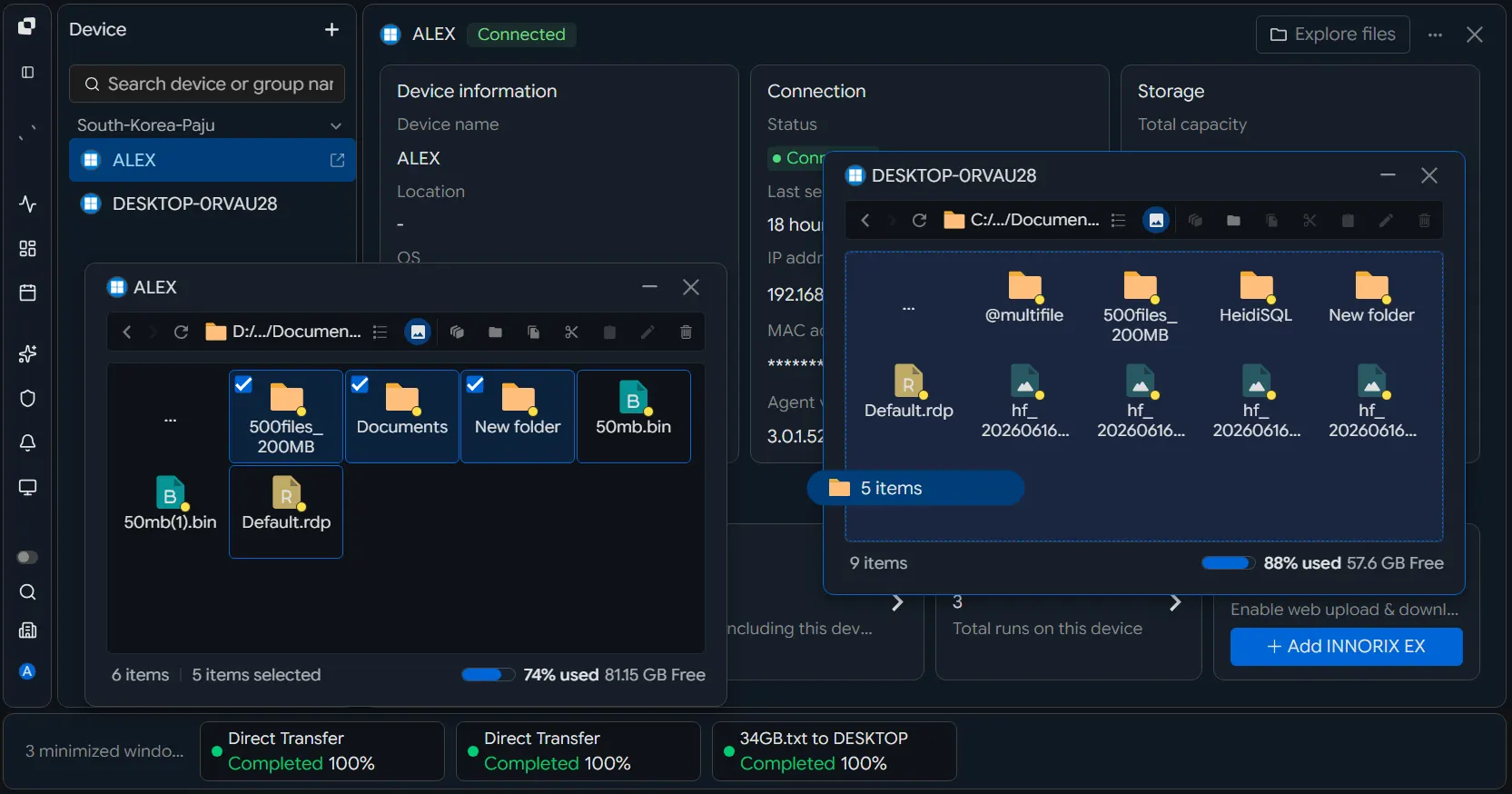
Keep file explorers for several devices, transfer windows and dataset explorers open together. Minimise what you are not using to the bar at the foot, and open it again to carry on. Moving between transfers does not break what you were in the middle of.
- Several windows at onceFile explorers, dataset explorers and transfer windows, open side by side.
- Minimise, then open againPark a window at the foot of the screen and bring it straight back.
- The thread stays unbrokenMove between devices and transfers without losing where you were.
Even a complicated transfer, automated as one flow
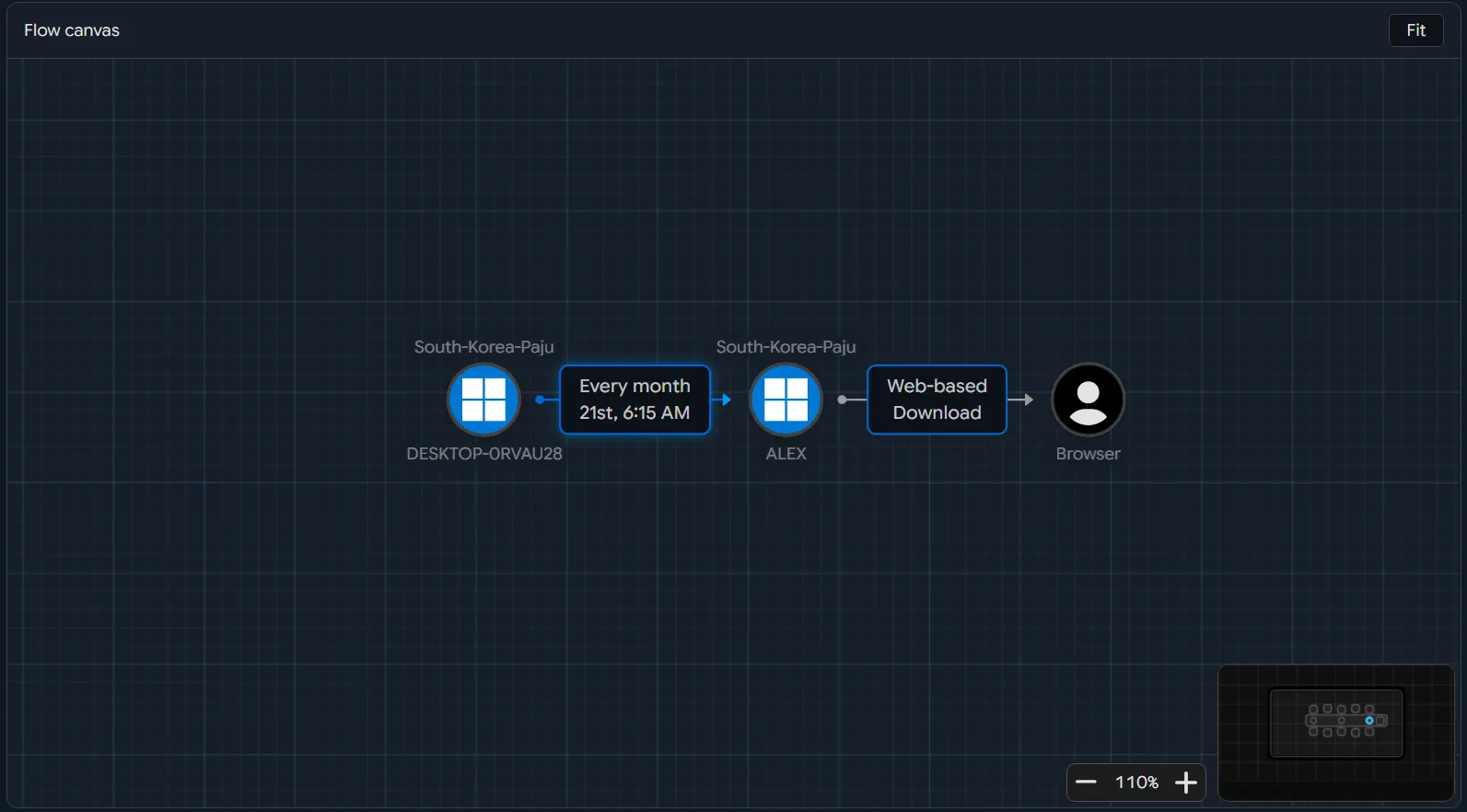
Connect devices and datasets, and lay out the order and the conditions where you can see them. From moving a great many files again and again to a transfer of several stages, one flow designed once runs it.
Composing a transfer
Pick many devices' files as one dataset and point it at a destination.
Running on a condition
A schedule, an event, or the previous job finishing — each can set it going.
Repeating, reliably
Retries and recovery conditions on failure, and the repeat work taken off your hands.
Every transfer's state and speed,
at a glance
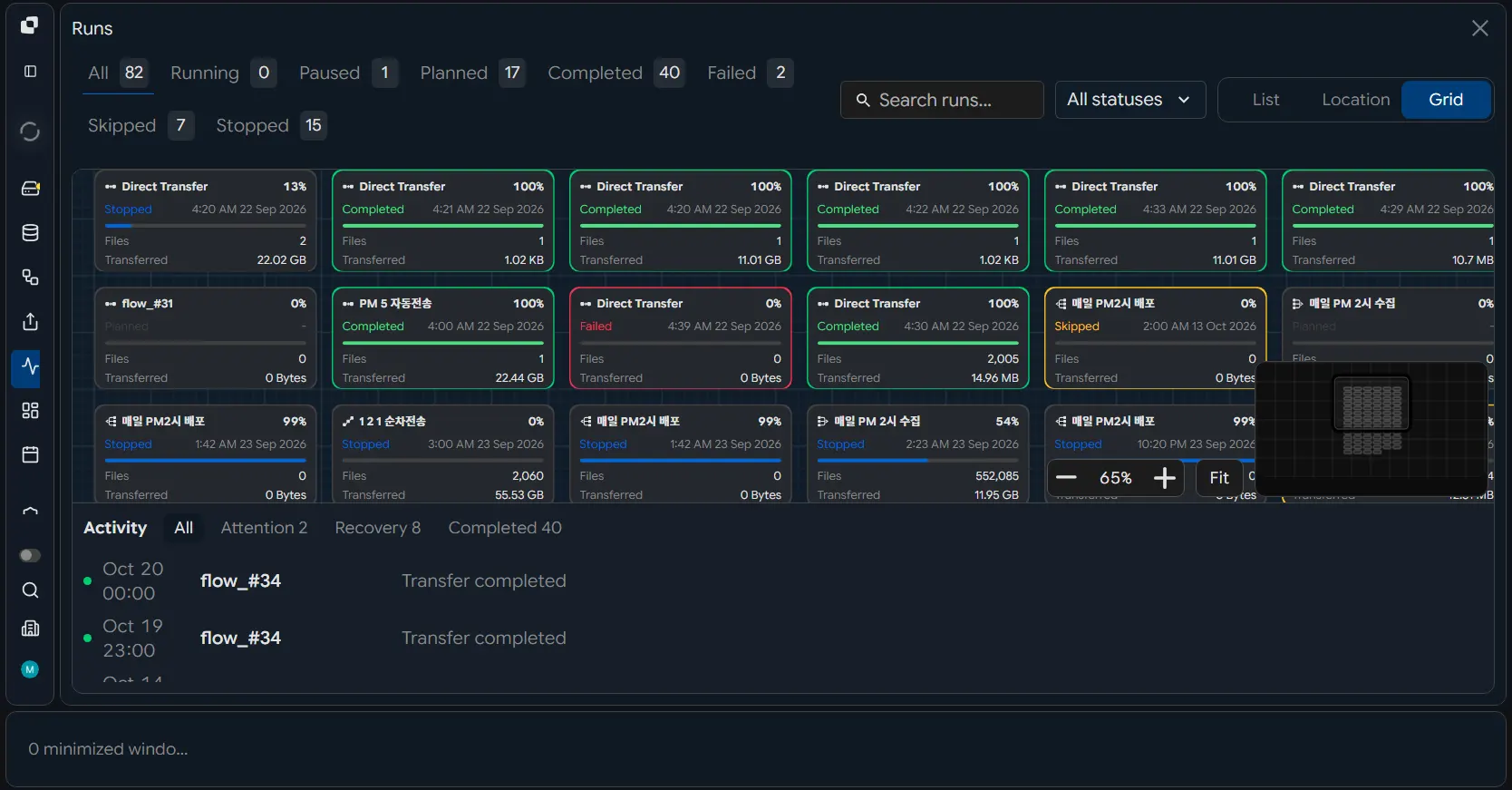
Watch what is running, what has finished, and what failed and recovered, as it happens. Throughput and history sit alongside, so when something goes wrong you can reach the part that needs you.
- The cause, found quicklyWhich device failed, on which leg, and how the retry and recovery went — then act on the part that needs it.
- A stopped transfer picks up againSee the recovery after a failure and re-run only what failed, rather than everything from the start.
Transfer security and operations,
joined to what you already run
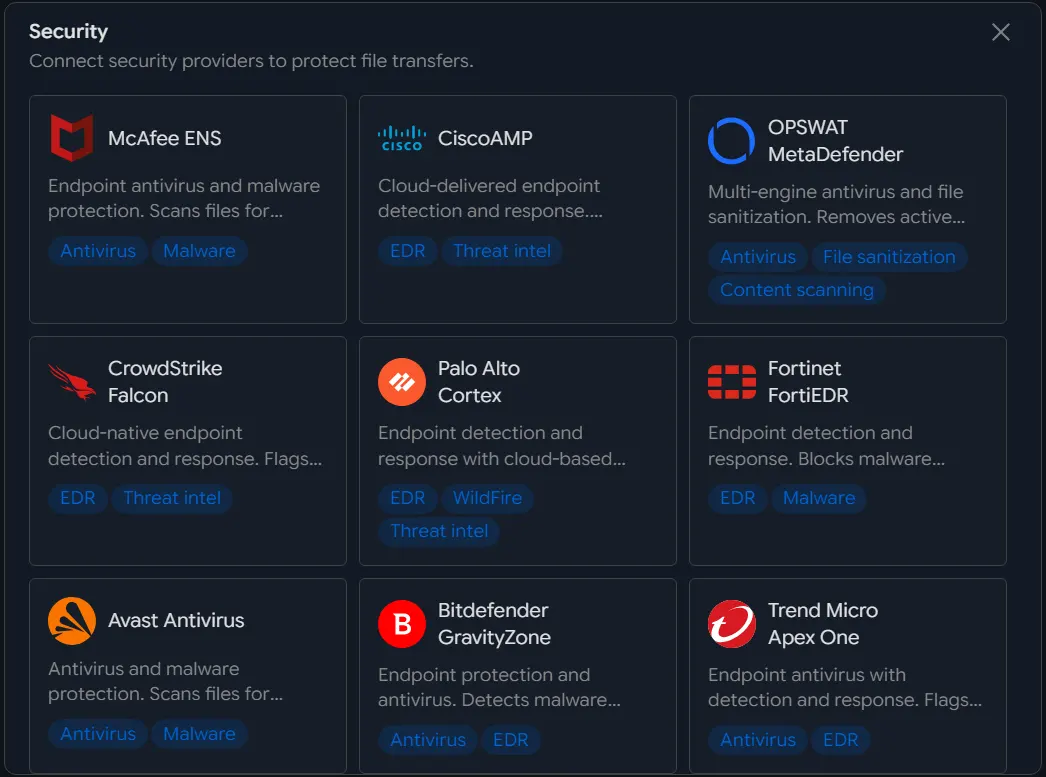
Scan transferred files with your security product, send the notices to the tools your teams are in, and feed state and logs to your monitoring platform. File transfer extends into the systems you already have.
The transfer you designed,
as a portal of their own
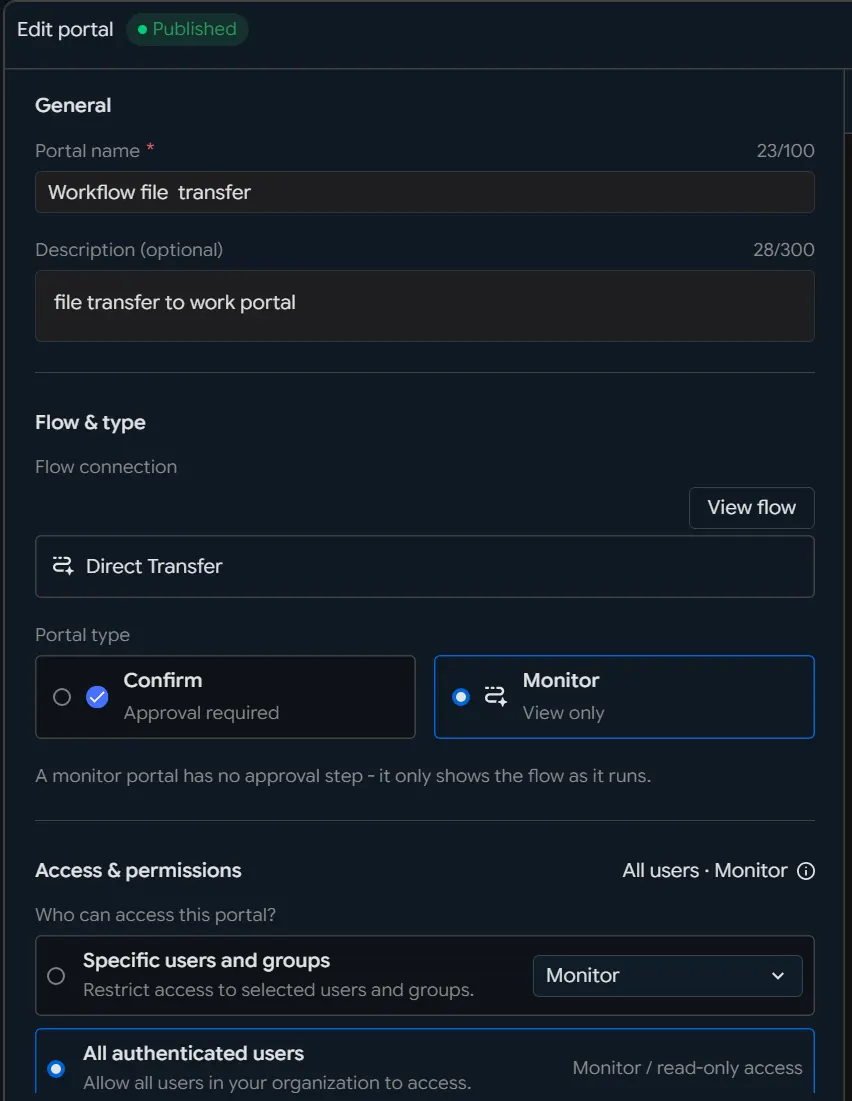
Hand the flow you built in Studio to the people who need it, as a portal they run themselves. Set the targets, the conditions and the permissions in advance and even a complicated transfer ships without anything being developed for it.
- A transfer job, handed over simplyConnect the flow and expose only what that person needs — choosing files, running it, seeing the state.
- Who may reach whatSeparate the portals each department and role may open, and the transfers each may run.
- No more standing requestsOne portal serves everyone who needs it, and the engineers manage instead of running the same transfer again.
Ask the AI, and a large transfer is a sentence
Connect INNORIX MCP to the AI you already use — ChatGPT, Claude, Gemini. Transfers across many devices, datasets and flows can be asked for in plain words, and how they went comes back in the same place.
Send today's dataset to the Tokyo and Frankfurt servers and tell me how it went.
The transfer has started.
Dataset DistributionRunning
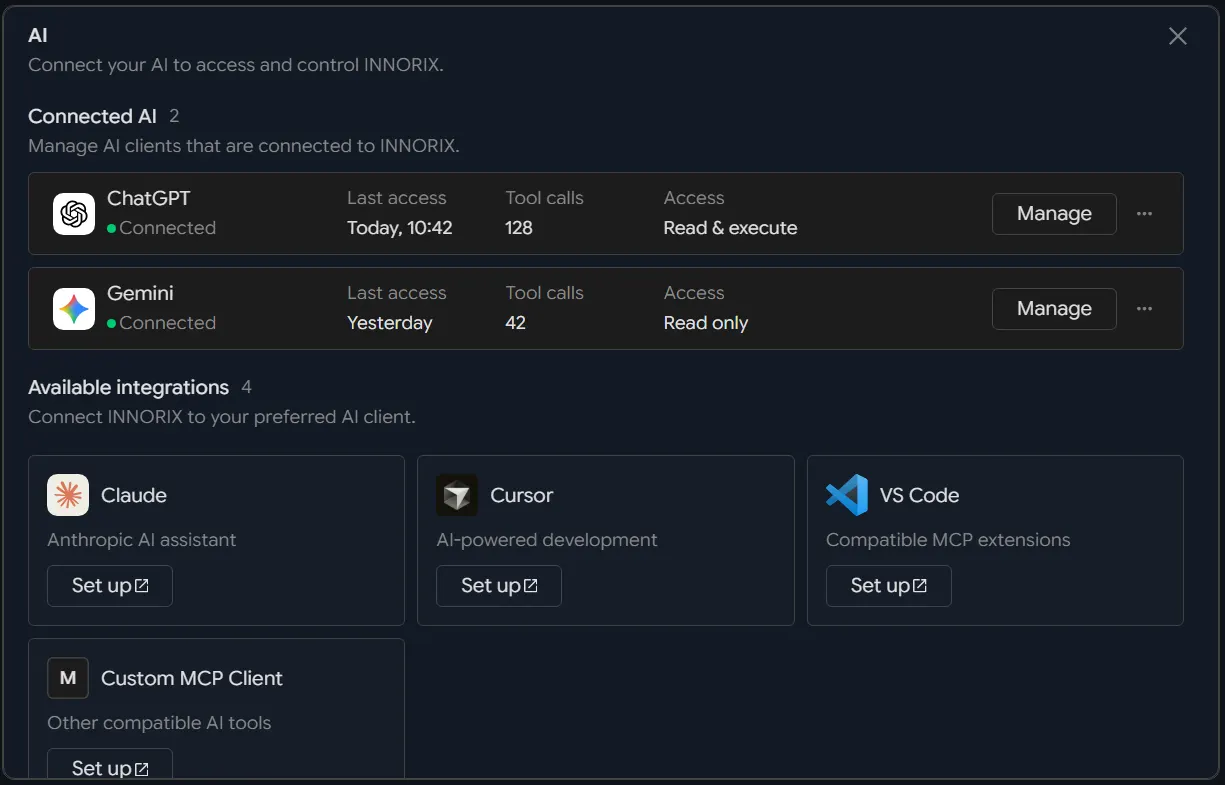
Ask from the AI you already use
No AI environment to stand up: run the transfer from the service you are already in.
Studio's own transfers
The devices, datasets and flows already connected are what a large transfer runs on.
State and result
Follow the progress and the outcome in the AI, and keep the history in Studio.