Automate Your Transfer
Automatically run recurring File Transfers using Flows and schedules.
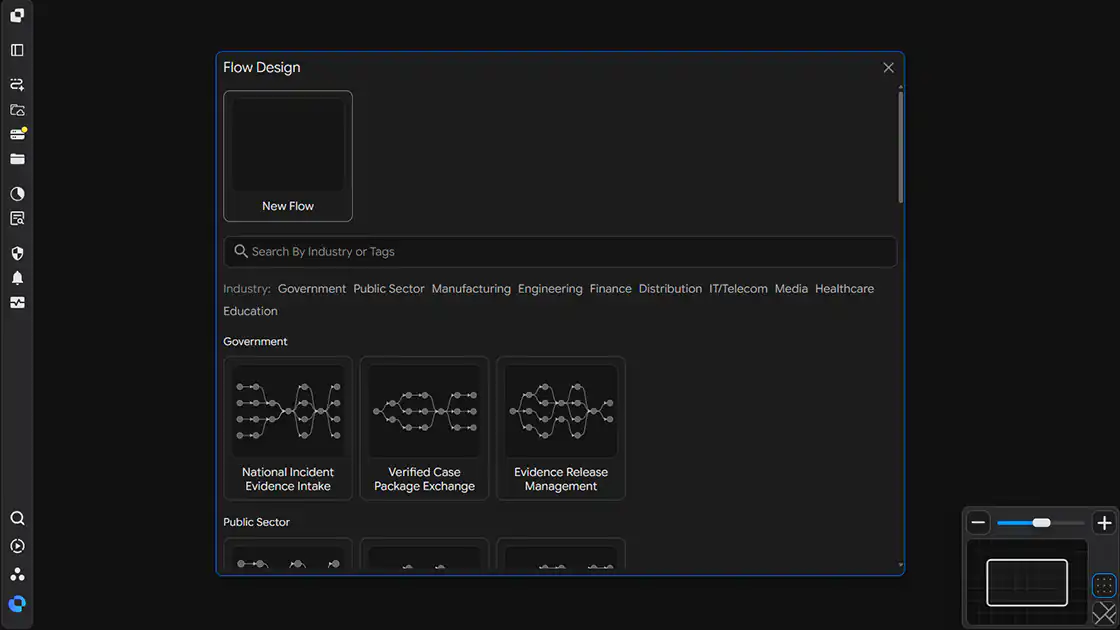
Create an Automation Flow
Select a Flow template in Flow Design to create a new File Transfer Flow.
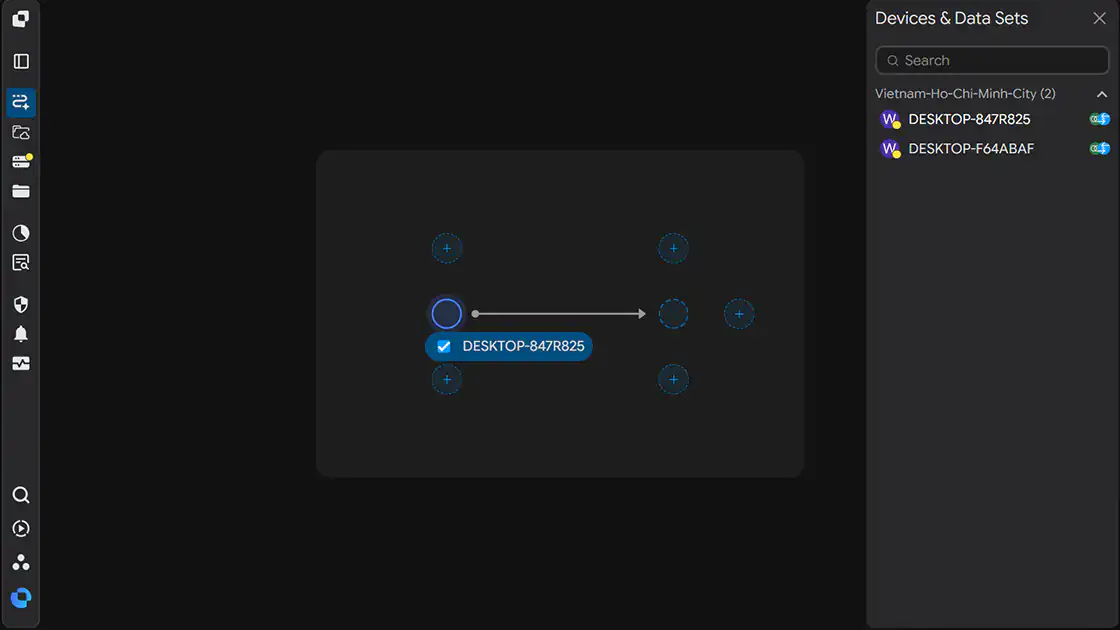
Connect Devices & Configure Transfer Paths
Add Devices to the Flow using Drag & Drop and configure the Transfer paths.
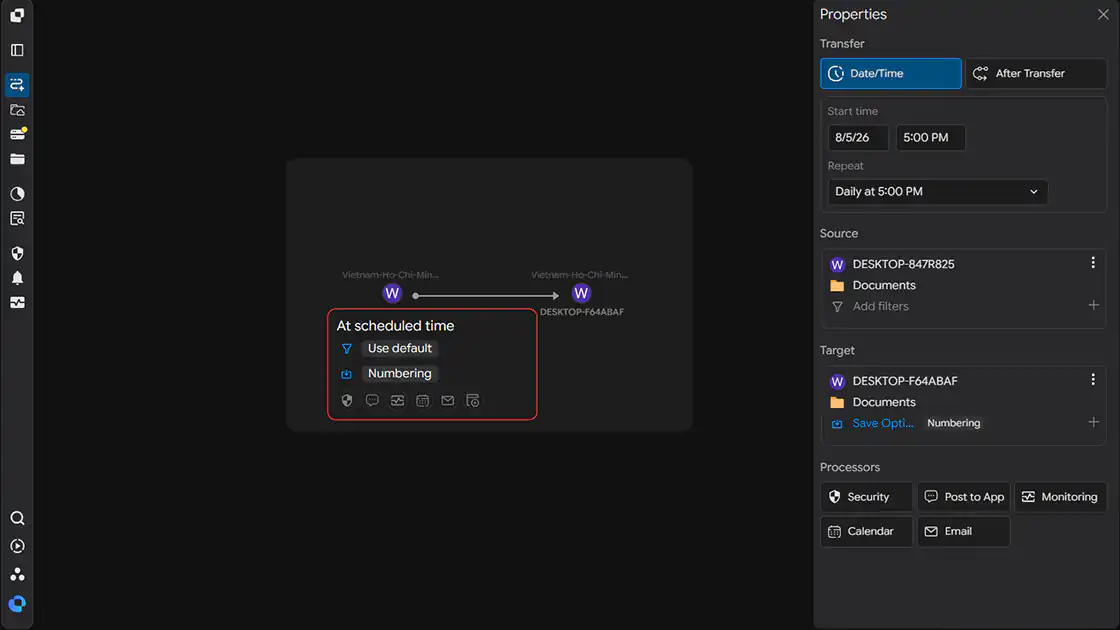
Configure the Schedule & Run
Click the connection between the two Devices to configure the execution schedule and conditions for automatic Transfers.