
TRUST
INNORIX is the leading enterprise in file transfer automation.
Explore 90+ file transfer capabilities. Built into the INNORIX platform.
Included in every plan
File Transfer
Folder Transfer
Large File Transfer
Many Files Transfer
Bulk Transfer
Parallel Transfer
High-Speed Transfer
Long-Distance Transfer
Direct Transfer
Cross-Platform Transfer
One Platform
Every Environment
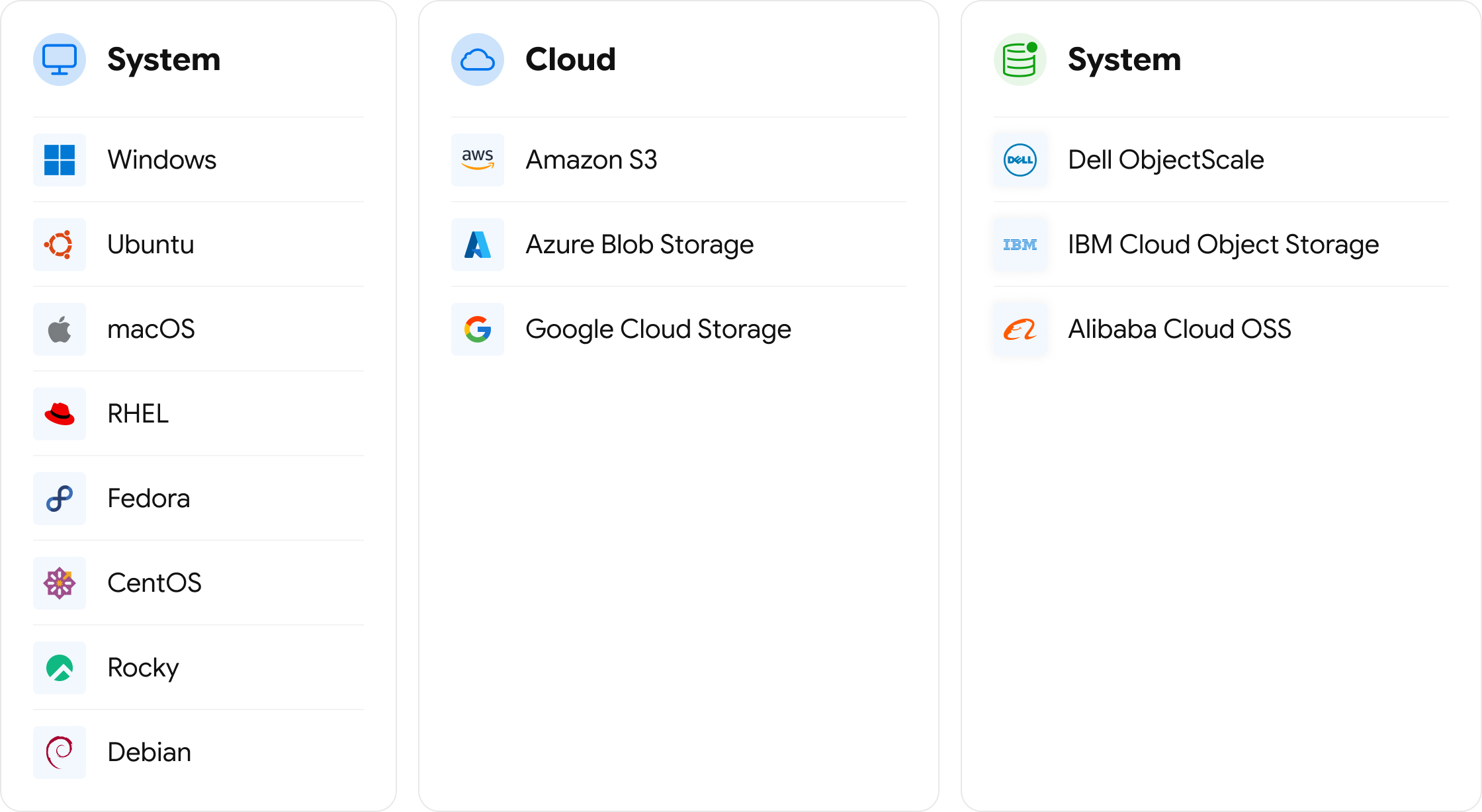
Connect any system to any system.
Windows, Linux, cloud, storage, data centers, AI,
and edge—all through INNORIX.
One Platform. Multiple Ways to Work.
File Explorer - Every Remote System Feels Local.
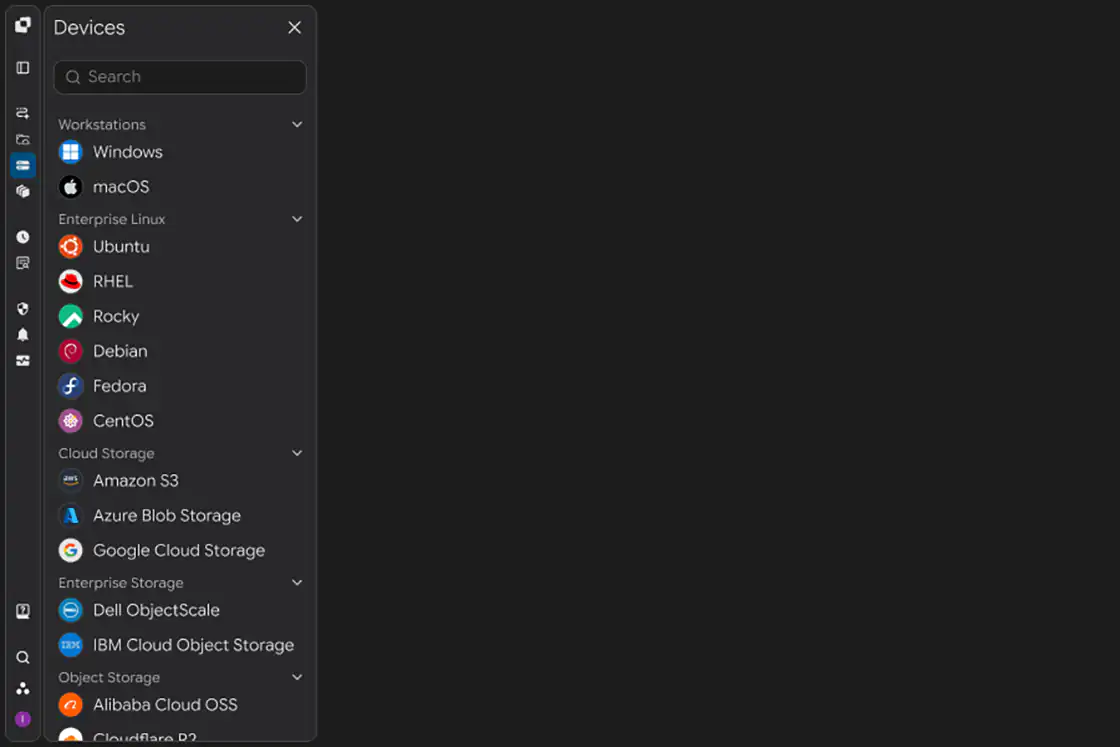
Explore all your connected systems in one place. Drag and drop to transfer files directly across systems and networks.
- Explorer
- Schedule
- Hot Folder
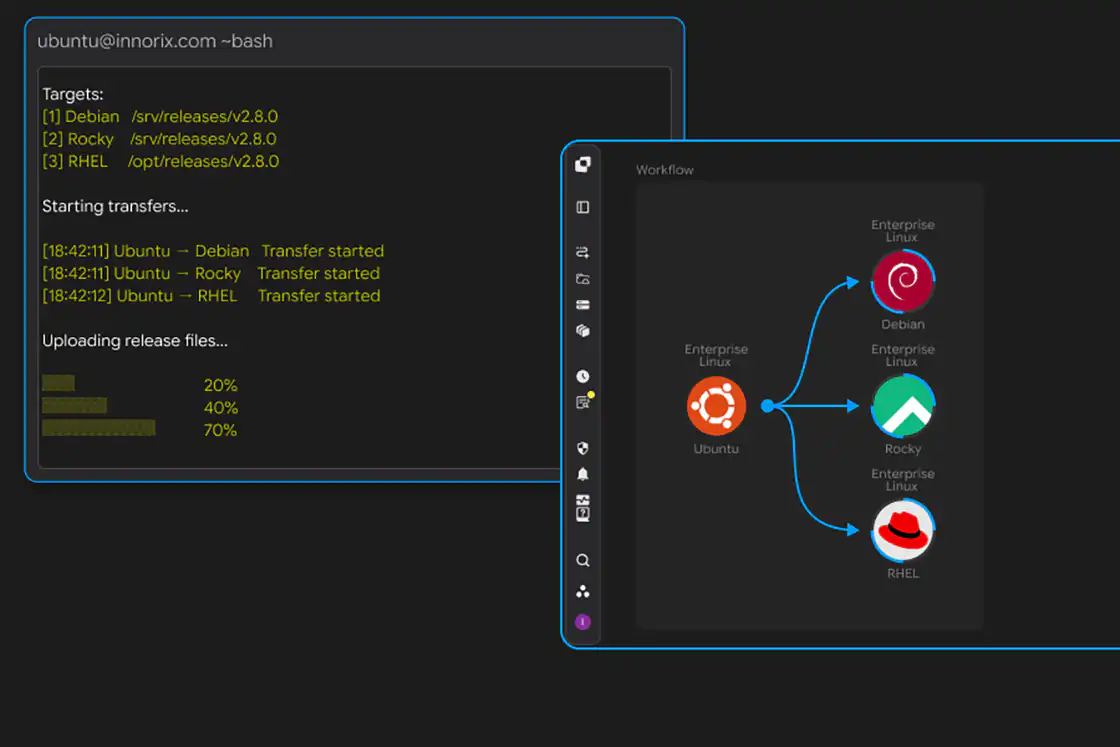
- Workflow
- Web Upload
- Embedded
See How Fast You Can Start.
Start instantly with Google or your existing account. No sales call. No credit card. No setup process.
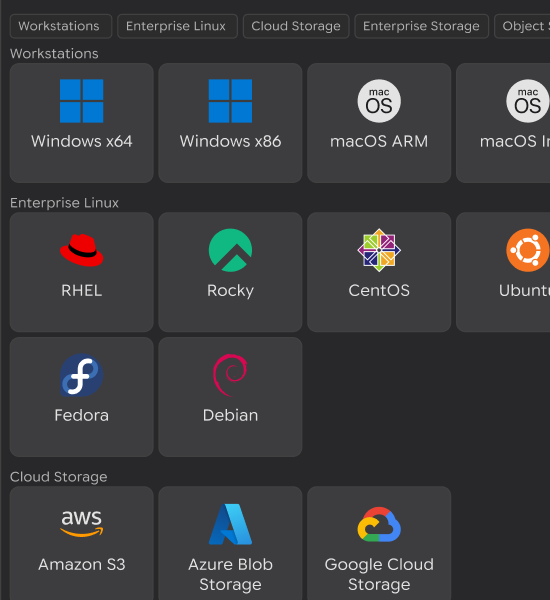
Add your first systems in about a minute each. Connect Windows, Linux, cloud, storage, and more.
Start transferring immediately. Drag & drop, schedule transfers, or automate what happens next.
Start Your Journey
Whether you're building software, managing enterprise infrastructure, or preparing for production, start with the path that fits your role.

Free for Developers
Start Free as a Developer
Build your first enterprise file workflow in minutes. Download the SDK, connect your systems, and start integrating immediately.

Free for IT Teams
Start Free for Your Team
Connect servers, cloud, storage, and edge systems with no sales call or setup assistance. Create your first workflow and experience enterprise file orchestration.

Ready for Production
Upgrade to Scale
Move from evaluation to production with unlimited automation, enterprise management, and high-performance transfers. Upgrade whenever you're ready.
File Transfers That Just Work.
Build your application. We'll handle everything in between.


I thought file transfer would take weeks. It took minutes.
Because everything was already there.
File Operations That Just Work.
Enterprise file movement should run quietly in the background. Spend your time operating your business—not managing file transfers.


We stopped worrying about file transfers.
Ready for Production.
Start free. Validate your workflow. When you're ready, scale to thousands of devices with enterprise security, governance, and reliability.


Looks like we're ready to go live.
Continue Exploring
Discover enterprise workflows, product features, customer stories, and engineering proof—all in one place.






5,000+ Customers
SAMSUNG Electronics
Samsung Electronics manufactures a wide range of consumer and industrial electronic equipment and products such as semiconductors, personal computers, peripherals, monitors, televisions, and home appliances.
Exxon Mobil
Exxon Mobil is a comprehensive energy company engaged in resource development, oil refining, and chemical businesses. With capabilities spanning upstream development to the production of high-value-added products, it continues to strengthen competitiveness across the energy value chain.
Standard Chartered PLC
Standard Chartered PLC provides corporate and institutional financial services through its global network. With expertise across trade finance, investment banking, and corporate finance, it delivers reliable and customized financial solutions to clients.
Hewlett-Packard
Hewlett-Packard is a global IT company that designs and manufactures computing devices and output solutions for personal and enterprise use. Its products and services are developed to support both workplace efficiency and user experience across a wide range of industries.
Philips
Philips is a technology company that designs and manufactures healthcare devices, home appliances, and digital solutions. Through user-centered design and advanced technology, it contributes to improving quality of life in everyday environments.
BNP Paribas
BNP Paribas is a financial group providing comprehensive services with strengths in corporate and investment banking. With expertise across capital markets, asset management, and corporate finance, it builds long-term financial partnerships.
Hyundai Motor Company
Hyundai Motor Company is a comprehensive mobility company that designs and manufactures vehicles and mobility solutions. With capabilities spanning design, manufacturing, and service, it continues to advance the broader mobility experience.
Benetton
Benetton is a fashion brand offering lifestyle products defined by distinctive color, strong design identity, and contemporary style. Its collections are designed to reflect both individuality and evolving trends.
AIA Life Insurance
AIA Life Insurance is a specialized insurer providing life insurance and asset management services. With a focus on long-term protection and financial planning, it supports customers with financial solutions designed for every stage of life.
Red Cross
The Red Cross is a public health institution carrying out health and medical activities based on humanitarian values. Through medical support, disaster response, and blood donation programs, it plays an important role in the social safety net.