Connect First Two Devices
Check the supported platforms and connect two Devices to prepare your File Transfer environment.
Check Supported Devices & Operating Systems
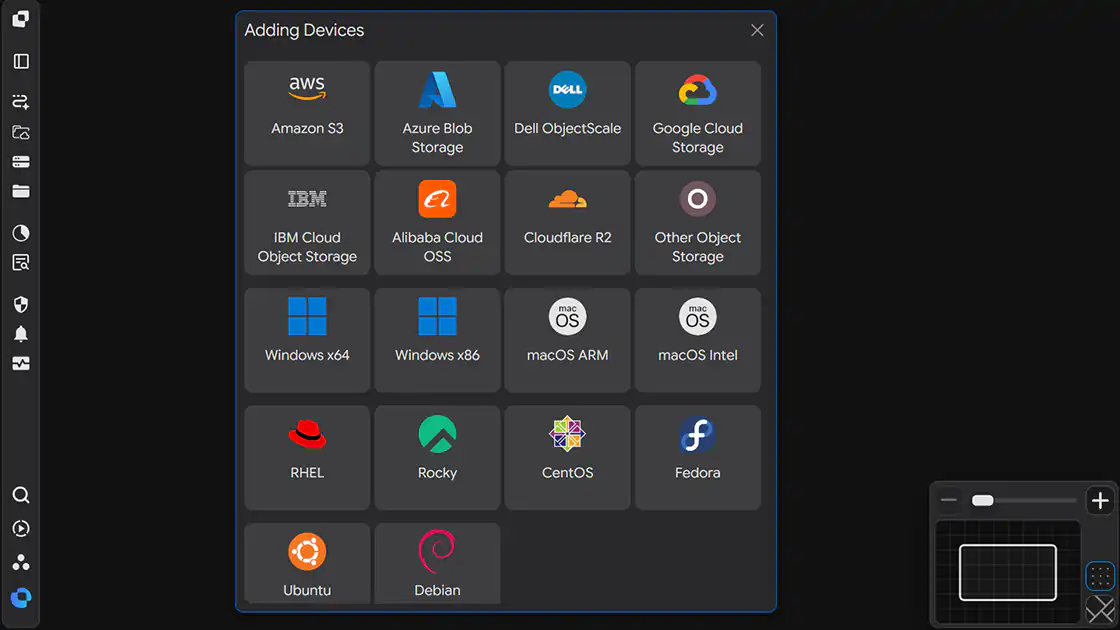
INNORIX supports a wide range of operating systems and storage platforms.
| Category | Supported Platforms |
|---|---|
| Workstations | Windows macOS |
| Enterprise Linux | Ubuntu Red Hat Enterprise Linux (RHEL) Rocky Linux Debian Fedora CentOS |
| Cloud Storage | Amazon S3 Microsoft Azure Blob Storage Google Cloud Storage |
| Enterprise Storage | Dell ObjectScale IBM Cloud Object Storage |
| Object Storage | Alibaba Cloud OSS Cloudflare R2 Other S3-Compatible Object Storage |
Connect Your Devices
Connect the Devices you want to use and add them as available Transfer endpoints.
- 2 Easy Steps
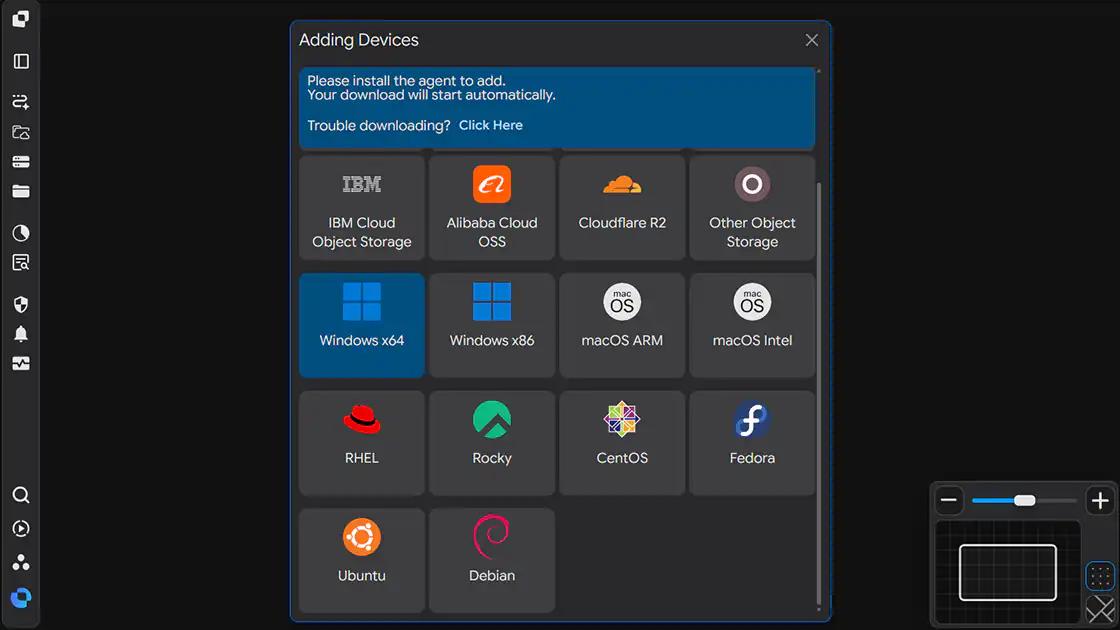
- Adding Devices (repeat for each Device)
- Verify the connection
Verify the Connected Devices
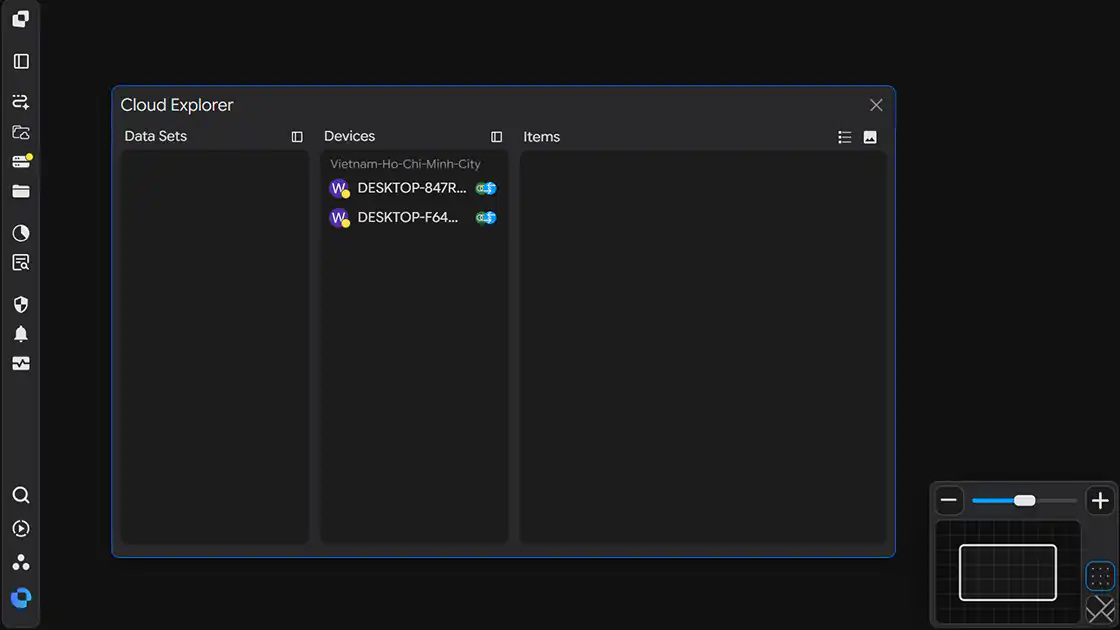
The two connected Devices are displayed in Cloud Explorer.
You are now ready to start transferring files between the two Devices.