
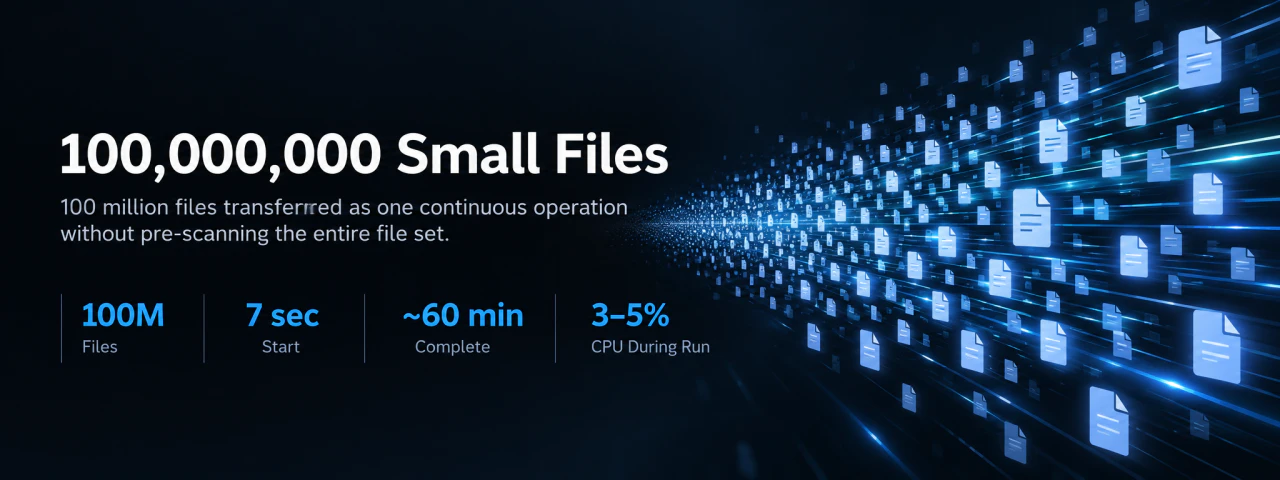
Data Beyond the Threshold: 100 Million Files in Industrial Environments Have Already Exceeded the Realm of Management#
Not a simple test, but a direct confrontation with the harsh reality of the industrial world where hundreds of millions of logs and sensor files pour in daily.
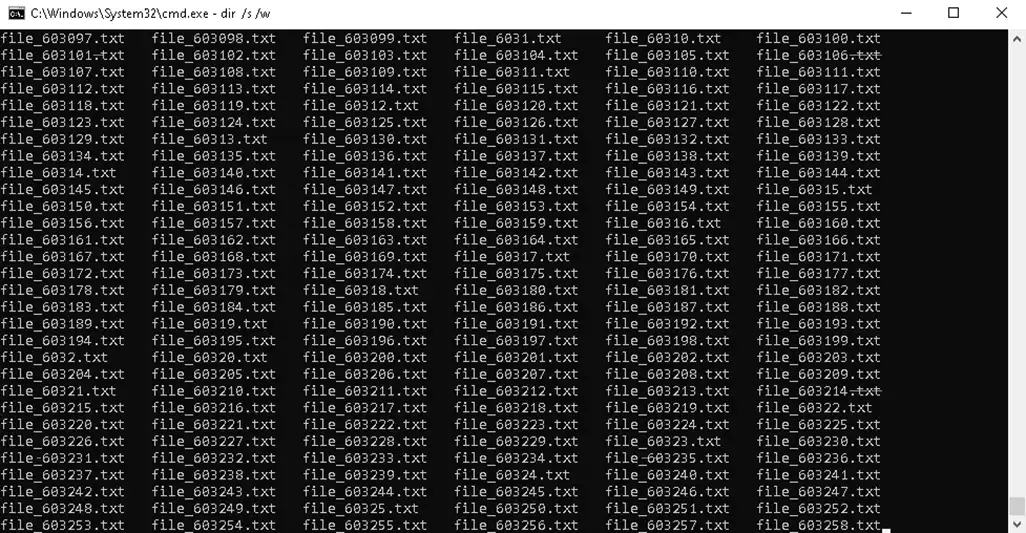 A screen where the system freezes after entering ls -R | wc -l in a Linux terminal, or an infinite loading screen showing 'Reading files' in Windows properties
| Item | Scale (Example) | System Impact | Threshold Reaction |
|---|---|---|---|
| Daily File Count | 100,000,000+ | File indexing and search impossible | Immediate delay upon directory access |
| Average File Size | 1KB ~ 50KB | Metadata processing surge | Overhead skyrockets compared to I/O |
| Total Data Volume | 100GB ~ 3TB / day | File count becomes bottleneck over volume | Storage structure inefficiency increases |
| File Creation Rate | 1,000 ~ 50,000/sec | Real-time system overload | Queue backlog and processing delay |
| Directory Structure | Up to 10~20 Depth | Tree traversal cost increases | ls / explorer becomes unresponsive |
| File Open/Scan Time | Tens of minutes ~ hours | Initial task start delayed | Enters “Not Responding” state |
| Backup/Transfer Prep Time | Hours ~ tens of hours | Bottleneck in pre-scan stage | Cannot even start transfer |
| System Impact | CPU, I/O, memory under simultaneous pressure | Performance degradation of other services | Overall system instability |
Collapse of Existing Transfer Systems: The Moment 100 Million Folders Are Opened, All Infrastructure Stops#
Exposure of the technical incapability of existing OS and software that fall into “Not Responding” due to failure to recognize generated data.
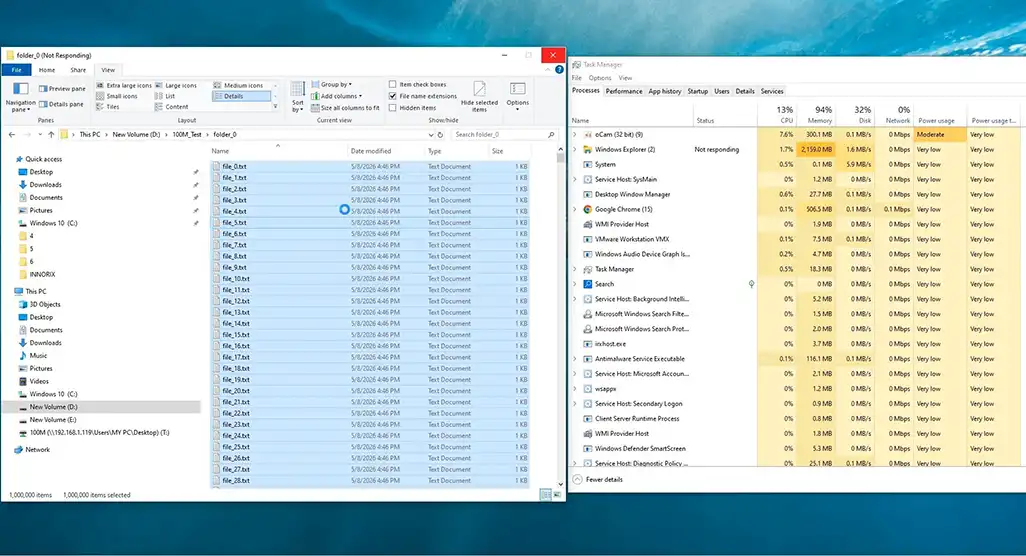 A screen where the source device explorer turns white with a 'Not Responding' popup, and Task Manager showing explorer CPU usage spiking
| Stage | Action (Legacy Method) | System State | Actual Phenomenon |
|---|---|---|---|
| 1. Directory Access | Start scanning entire file list | I/O surge | Delay from initial entry |
| 2. File Indexing | Load metadata of tens of millions of files | Memory usage explosion | GB-level memory consumption |
| 3. List Generation | Create full transfer target list | Continuous CPU usage | Process response delay begins |
| 4. UI/Explorer Response | Attempt to display progress | UI thread blocking | Screen freeze / “Not Responding” |
| 5. Transfer Preparation | Queue generation and sorting | Internal queue backlog | Transfer start delayed (tens of minutes+) |
| 6. System Impact | Resource contention with other processes | Overall performance degradation | Entire server/PC slows down |
| 7. Threshold Reached | Resource limits exceeded | Thread/handle exhaustion | Explorer restart / forced termination |
| 8. Final Result | Transfer start failure | Task aborted | Ends with “nothing accomplished” |
Immediate Startup Without Delay: Skipping Full List Scanning and Initiating File Transfer in 7 Seconds#
Overwhelming design that starts transfer instantly via streaming without loading tens of millions of file info into memory.
 After clicking the INNORIX transfer start button, within seconds the transfer status bar activates and file count rapidly increases in real-time UI
| Stage | Action (INNORIX Method) | System State | Perceived Result |
|---|---|---|---|
| 1. Directory Access | Enter without full scan | Minimal I/O | Immediate response without delay |
| 2. File Discovery | Register to streaming queue instantly | Near-zero memory usage | Processing starts without waiting |
| 3. Transfer Start | First file transferred immediately | No initial load | Transfer starts within seconds after click |
| 4. List Processing | Skip full list generation | Stable CPU usage | No sudden system load increase |
| 5. Queue Management | Dynamic generation / real-time consumption | No queue backlog | Continuous seamless transfer |
| 6. Resource Usage | Occupy only when needed | Balanced memory/CPU | Can run alongside other tasks |
| 7. Scalability | Independent of file count | Linear performance | Same behavior even at 100 million files |
| 8. User Experience | Immediate progress display | No UI blocking | Feels “already started” |
Ultra-Precision Surge in 60 Minutes: Controlling 100 Million Fragmented Data into a Single Massive Flow#
INNORIX’s unique packing engine that maximizes network efficiency by bundling tens of thousands of IOPS per second into one.
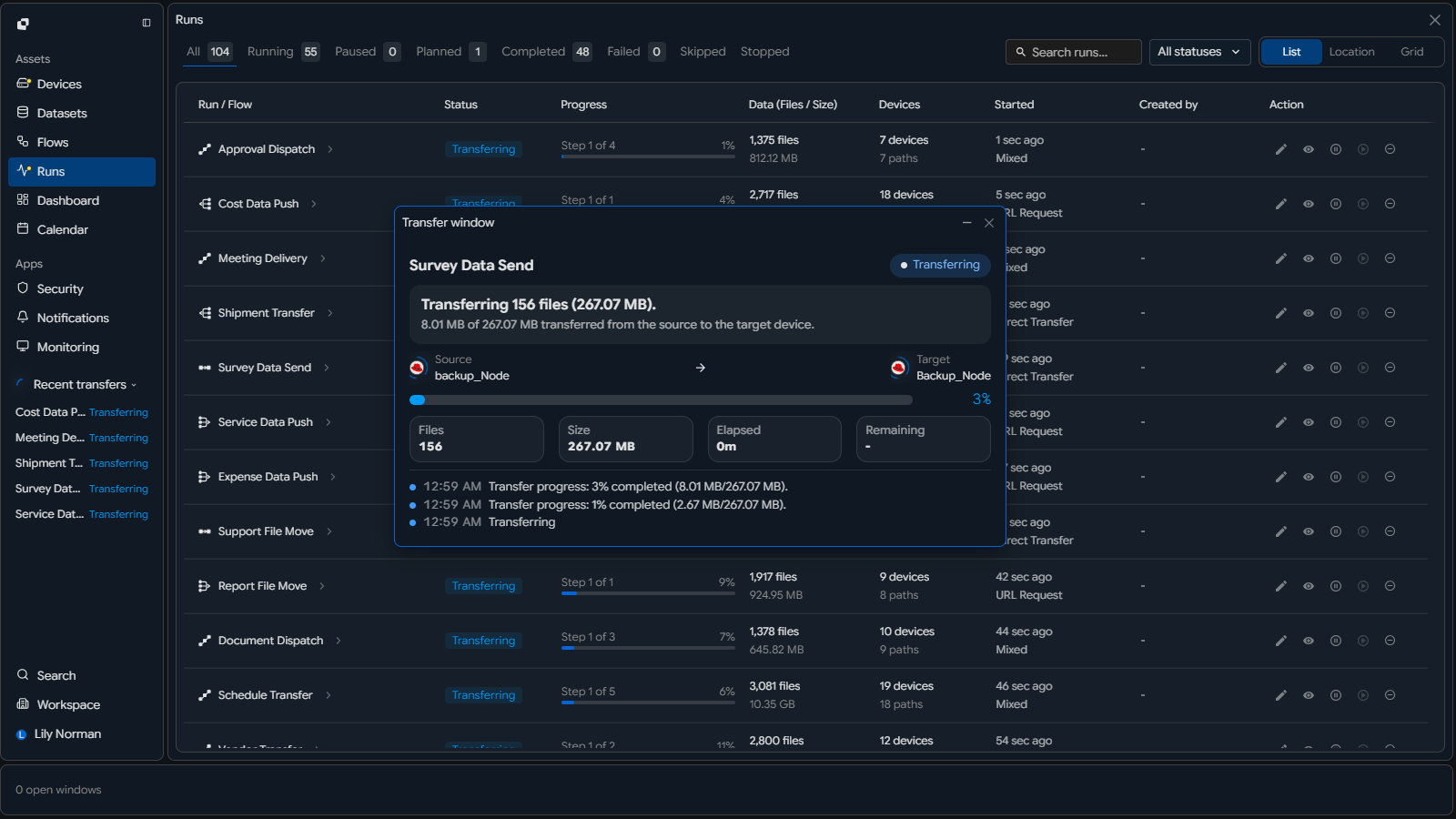 Monitor screen showing bandwidth between source and target at maximum, with 'files per second' displayed in tens of thousands
| Section | Legacy State (Uncontrolled I/O) | INNORIX Control Method | Result |
|---|---|---|---|
| Input Stage | Tens of thousands of individual file requests | Pack files into units | Request count drastically reduced |
| I/O Processing | Massive random I/O | Reconstructed into sequential I/O | Disk efficiency maximized |
| Network Transfer | Numerous small packets | Unified into large stream | Bandwidth utilization increased |
| Transfer Unit | File-level processing | Block/segment-level processing | Processing efficiency dramatically improved |
| Queue Structure | File-based queue backlog | Stream-based continuous consumption | Bottlenecks eliminated |
| Processing Speed | Sharp degradation as file count increases | Stable throughput maintained | Performance linearity ensured |
| System Load | CPU / I/O interrupt explosion | Interrupt minimized | System stability maintained |
| Final Flow | Fragmented multiple flows | Single massive data stream | Fully controlled state |
Consistent System Stability: Even During 100 Million Transfers, Management Server CPU Remains Calm#
Extreme resource management that does not occupy system resources even under explosive data throughput.
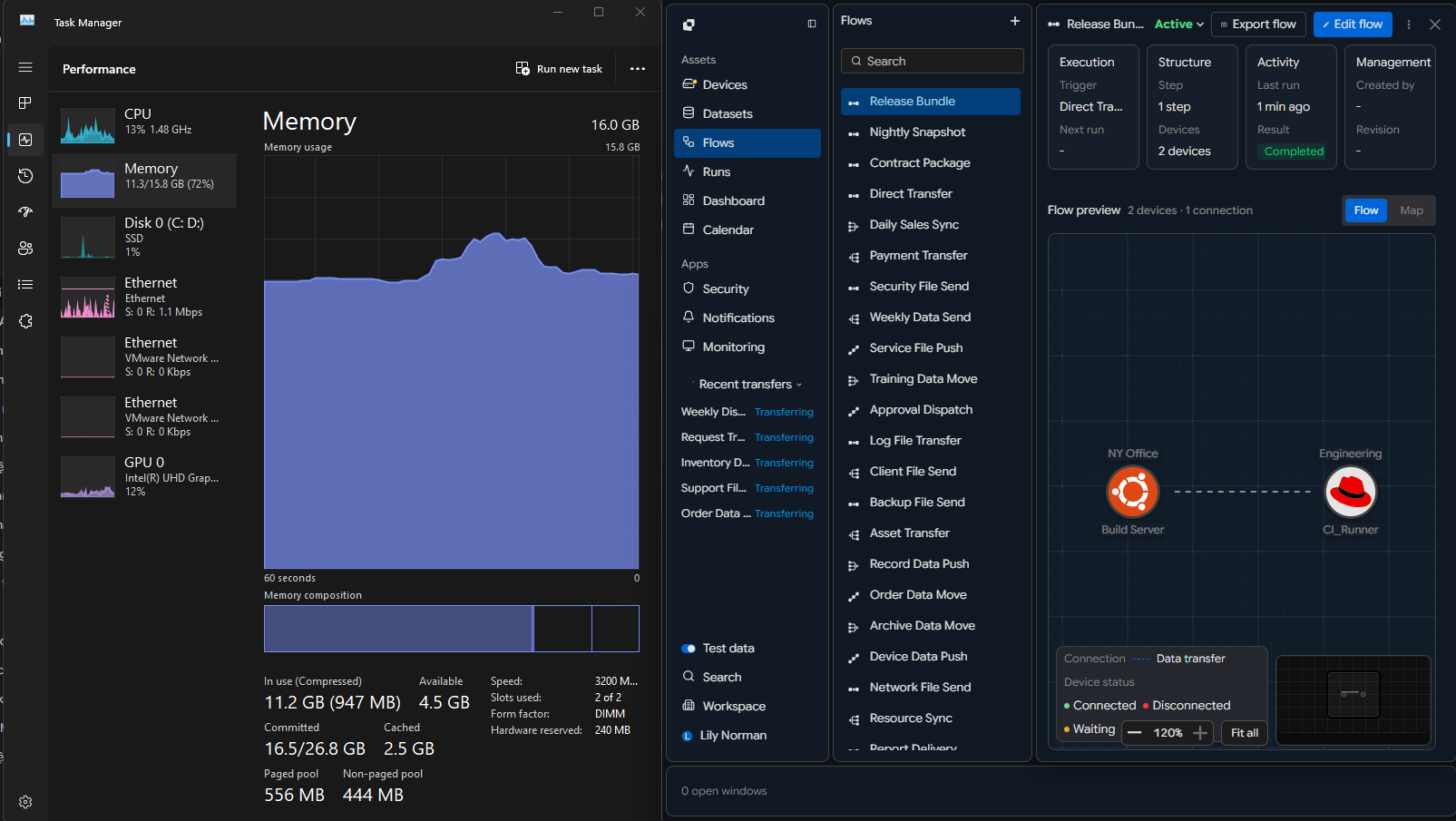 Snapshot showing INNORIX engine process CPU usage below 5% while transfers are surging
| Item | During Transfer (100M files) | Typical System Response | INNORIX Result |
|---|---|---|---|
| CPU Usage | 3% ~ 5% | Spikes above 80% | Remains low and stable |
| Memory Usage | Stable (fixed) | Increases with file count | No accumulation / stable |
| Disk I/O | High-speed continuous | Random I/O explosion | Stabilized as sequential I/O |
| Network Bandwidth | Near maximum sustained | Intermittent spikes | Continuous full utilization |
| Threads/Handles | Maintained within limits | Increases to tens of thousands | No exhaustion |
| System Responsiveness | Real-time maintained | UI freeze / delay | Parallel tasks possible |
| Impact on Other Processes | Minimal | Overall performance degradation | Minimal impact |
| Long-term Stability | Stable over 60+ minutes | Memory leaks / overload | Maintained without degradation |
End of Compression-Based Transfer: INNORIX Direct Transfer Is Faster Than Compressing Massive File Sets#
Eliminating inefficient detours like compression/decompression, delivering raw files at maximum speed.
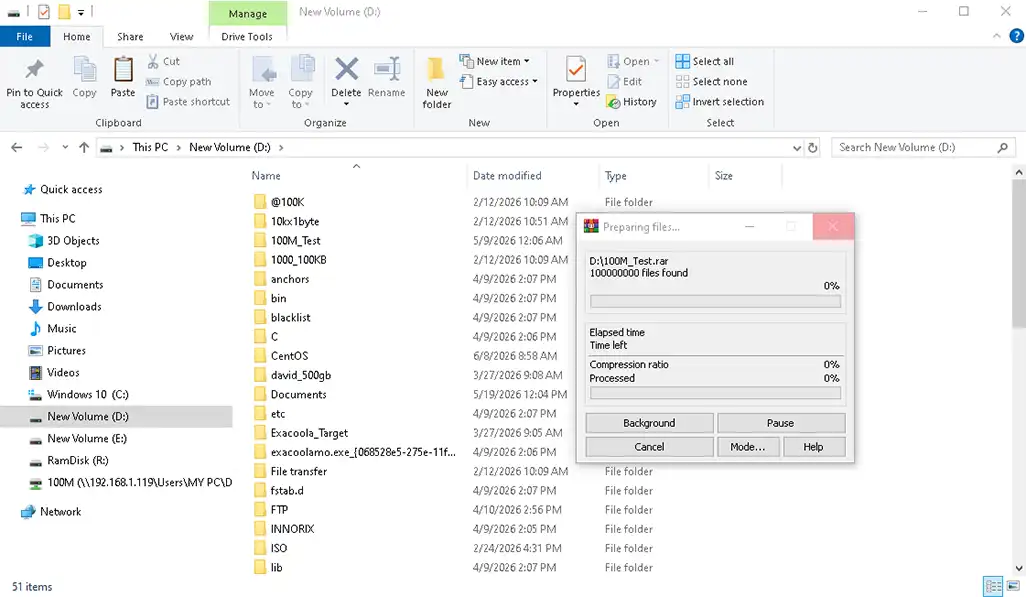 Screen showing 'Compressing - 14 hours remaining' alongside INNORIX '60-minute completion' report
| Section | Compression Method | Time (Example) | INNORIX Direct Transfer | Time (Example) |
|---|---|---|---|---|
| 1. Preparation | Full scan and list creation | 30 min ~ hours | No scan | 0 sec |
| 2. Compression | Compress hundreds of millions of files | 5 ~ 14 hours | No compression | 0 sec |
| 3. Transfer Start | After compression completes | Delay occurs | Immediate start | Seconds |
| 4. Network Transfer | Single compressed file | 1 ~ 3 hours | Streaming parallel transfer | ~1 hour |
| 5. Decompression | Full extraction at target | 3 ~ 10 hours | No decompression | 0 sec |
| 6. Error Handling | Requires full recompression/retransfer | Hours added | Retransmit failed segments only | Immediate recovery |
| 7. Total Time | 9 ~ 24+ hours | Very long delay | ~60 minutes | Dramatically reduced |
| 8. Operational Impact | CPU, disk occupied long-term | System burden | Minimal resource usage | Negligible impact |
100% Integrity Guarantee: After 100 Million Transfers, Not a Single Byte Error Allowed#
Beyond quantity verification, proving transmission completeness at the bit level.
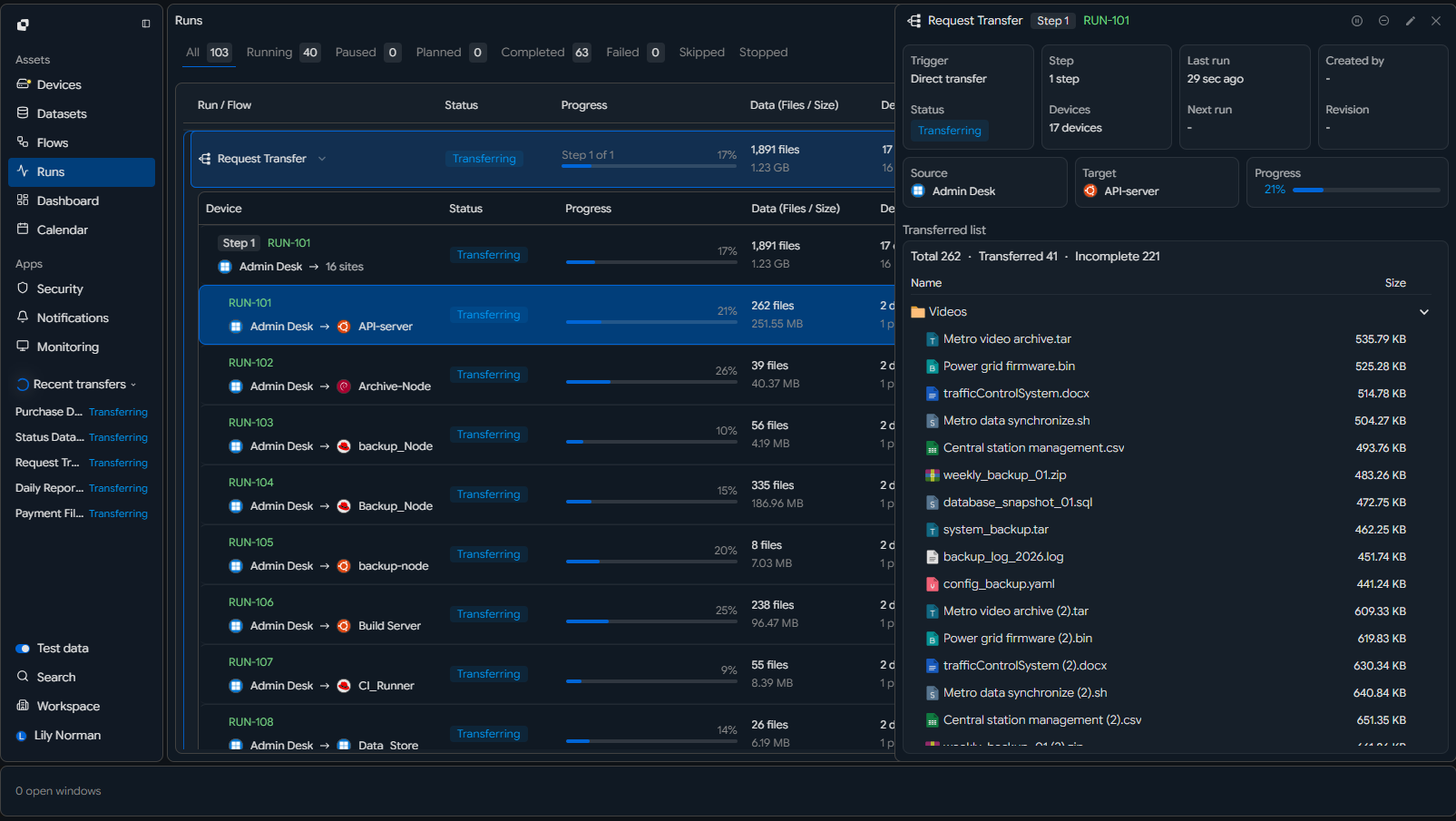 Final comparison report showing exact match of file count and total bytes between source and target
| Item (Aspect) | Core Concept | Technical Mechanism | Verification Method | Key Effect |
|---|---|---|---|---|
| Integrity Verification | Ensure identical 100M files | Bit-level hash-based full validation | Precise source-target file/byte comparison | 100% data consistency |
| Large-scale Transfer Completion | Stability for massive file sets | Automatic structural validation after transfer | Report-based verification | Enterprise-grade reliability |
| Zero Error Tolerance | No single byte allowed | Checksum + hash chain validation | Full file revalidation process | Error-free transfer results |
| Transfer-Result Sync | Match between transfer and actual data | Real-time metadata synchronization | Final report comparison | Increased reliability |
| Industrial Standard Proof | Maintain completeness at scale | Automated verification and report generation | Audit logs and reports | Enterprise trust assurance |