
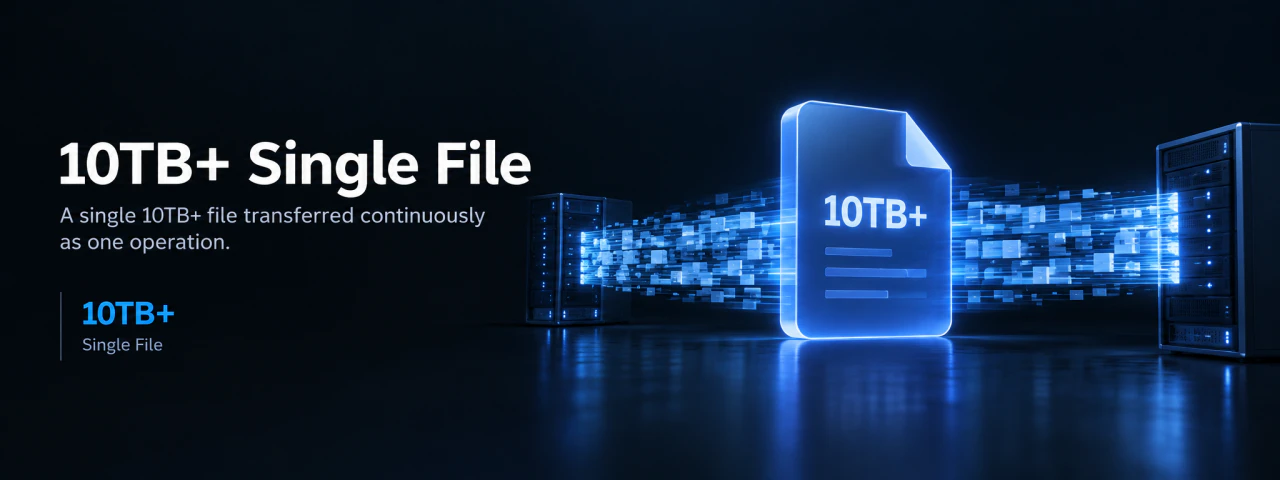
The Expansion of Data and Physical Limits: An Overwhelming Scale of a Single 10TB File Rejected by Traditional File Systems#
Infrastructure shock and fear that occur when a single object exceeds terabyte scale, beyond simple data aggregation.
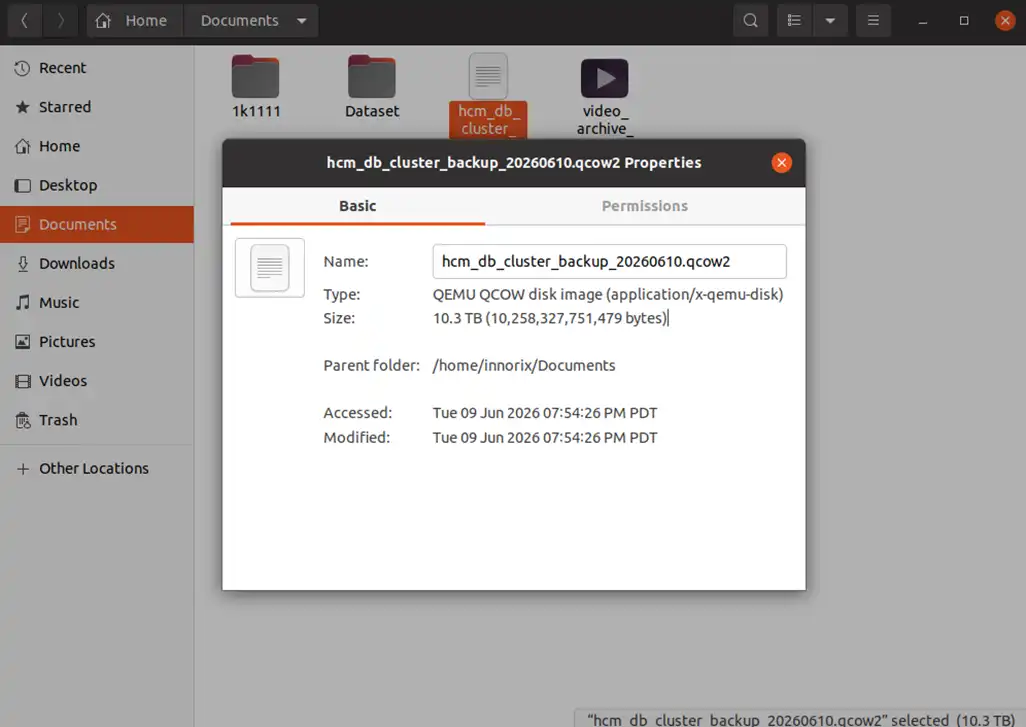 A Windows file properties window or Linux terminal (
ls -lh) showing a single file size of '10.0 TB', emphasizing the overwhelming scale in a typical OS environment
| Item | Scale (Example) | Meaning | System Impact |
|---|---|---|---|
| Single File Size | 10TB ~ 50TB+ | Ultra-large data per object | Exceeds normal processing range |
| File Structure | Single continuous stream | Cannot be split / critical on interruption | Difficult partial processing |
| Disk Read Time | Hours ~ tens of hours | Full scan required | Long I/O occupation |
| Expected Transfer Time | Hours ~ days | Depends on network | Session maintenance burden |
| Memory Requirement | Metadata + buffer | Large buffer needed | Memory pressure |
| File System Limit | FS-specific size limits | Some environments unsupported | Compatibility issues |
| Failure Risk | Increased during long tasks | Restart cost very high | Task invalidation |
| Processing Unit | “Entire file = unit” | Partial failure = total failure | Inefficient recovery |
Collapse of Standards in Ultra-Large Data: Existing Methods Fail to Complete Transfers Due to Timeout and Session Expiry#
As size increases, exponential error probability and limitations of transfer standards that cannot sustain multi-day sessions.
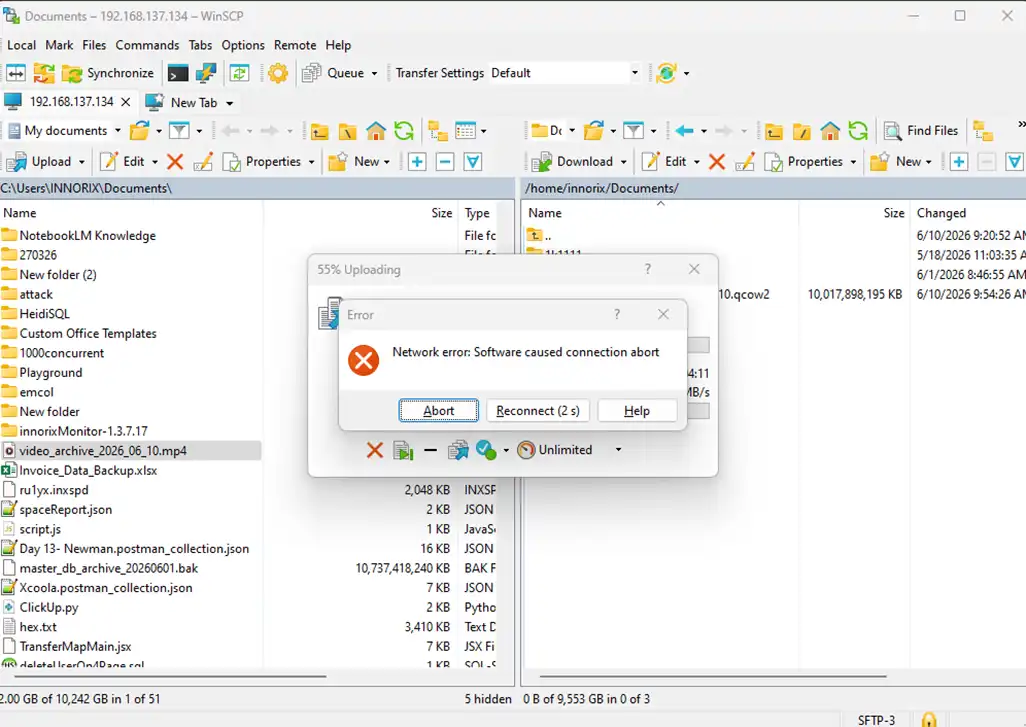 A browser transfer failing with 'Network Error' or an FTP tool showing 'Session Timeout' with transfer speed stuck at 0
| Phase | Elapsed Time | System State | Event Occurred | Result |
|---|---|---|---|---|
| 1. Start | 0 ~ 1 hour | Normal operation | Initial transfer | Stable speed |
| 2. Long Duration | 1 ~ 10 hours | Session strain increases | Memory/buffer accumulation | Instability begins |
| 3. Network Variance | After hours | Latency/loss accumulates | Retransmission increases | Speed drops |
| 4. Timeout Approach | Long session | ACK delay / response delay | Near timeout condition | Unstable session |
| 5. Session Expiry | Threshold exceeded | Connection fails | Session termination | Transfer stops |
| 6. Failure Occurs | Mid-transfer | Network/system error | Disconnection | Work lost |
| 7. Recovery Attempt | Reconnection | No state info | Restart from beginning | Time wasted |
| 8. Final Result | After tens of hours | Repeated failure | Cannot complete | Never finishes |
A Transfer Engine Challenging Infinity: A Non-Stop Protocol That Maintains Stable Flow Regardless of File Size#
INNORIX’s capability to push ultra-large data at consistent speed from start to finish without degradation.
INNORIX transfer UI showing a 10TB file starting instantly and maintaining hundreds of MB/s throughput steadily
| Phase | File Size Increase | Legacy Response | Problem | INNORIX Behavior | Result |
|---|---|---|---|---|---|
| 1. Initial | Several GB | Normal speed | None | Immediate streaming start | Stable start |
| 2. Mid | Hundreds of GB | Gradual slowdown | Buffer/session strain | Constant speed maintained | No variation |
| 3. Large | 1TB+ | Retransmissions increase | Efficiency drops | Continuous streaming | Stable |
| 4. Ultra-large | 5TB+ | Session instability | Timeout risk increases | Session-independent structure maintained | No impact |
| 5. Long-duration | Tens of hours | Severe degradation | Accumulated errors | Constant throughput maintained | Performance |
| 6. Failure case | Any point | Restart required | Time loss | Resume from interruption | Continuity |
| 7. Final phase | Last segment | Failure probability increases | Completion uncertain | Finishes at same speed | Fully completed |
| 8. Final Result | 10TB+ | “Cannot finish” | Structural limitation | “Same from start to end” | Fully transferred |
Revolutionary Management of Storage Load: Optimizing Resources to Prevent I/O Bottlenecks While Processing 10TB#
Technology that distributes disk read/write load to maintain system stability even during ultra-large file processing.
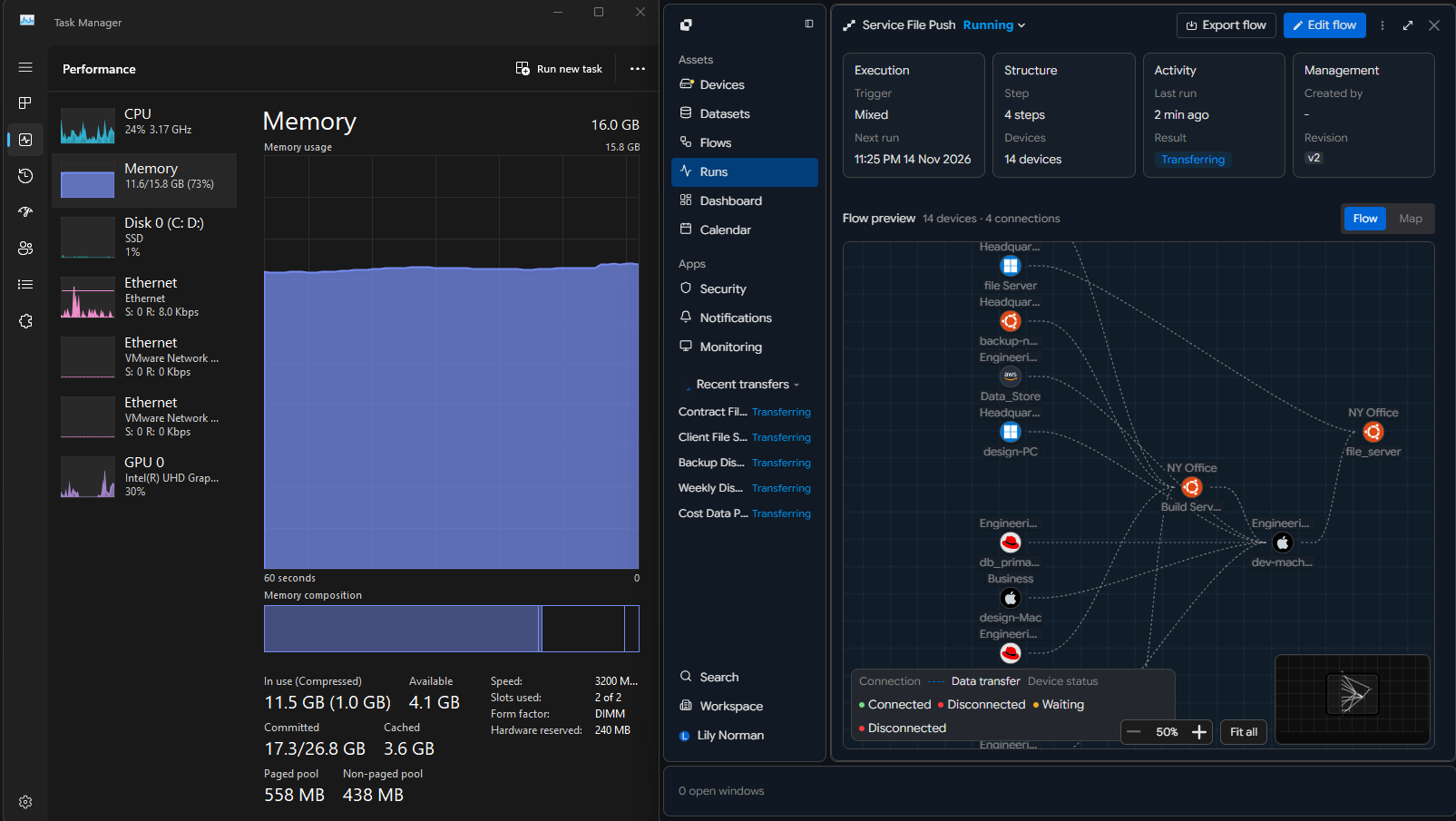 INNORIX resource monitor showing stable disk I/O queue and low CPU usage while processing a 10TB file
| Item | Legacy Method (Uncontrolled I/O) | Problem | INNORIX Method | Result |
|---|---|---|---|---|
| Read Method | Full sequential scan | Long disk occupation | Stream-based segmented read | Load distributed |
| I/O Pattern | Random + burst requests | Low efficiency | Sequential I/O–centric processing | Efficiency maximized |
| Buffer Usage | Large buffer accumulation | Memory pressure | Minimal buffer + flow-based | Stable memory |
| Disk Queue | Request spikes | Queue backlog | Controlled distribution | Queue stabilized |
| Throughput | Fluctuations | Imbalance | Consistent throughput | Uniform speed |
| Concurrent Impact | Affects other services | System instability | Minimal resource usage | Parallel tasks |
| Long Duration | Sustained load | System degradation | Load balancing maintained | Sustained stability |
| Final State | “System struggles while reading” | Unstable | “No impact while reading” | Fully stable |
The Larger It Gets, the Bigger the Gap: Proving Tens of Times Faster Performance as Data Size Grows#
An algorithm that maximizes efficiency as data size increases, reducing multi-day tasks into hours.
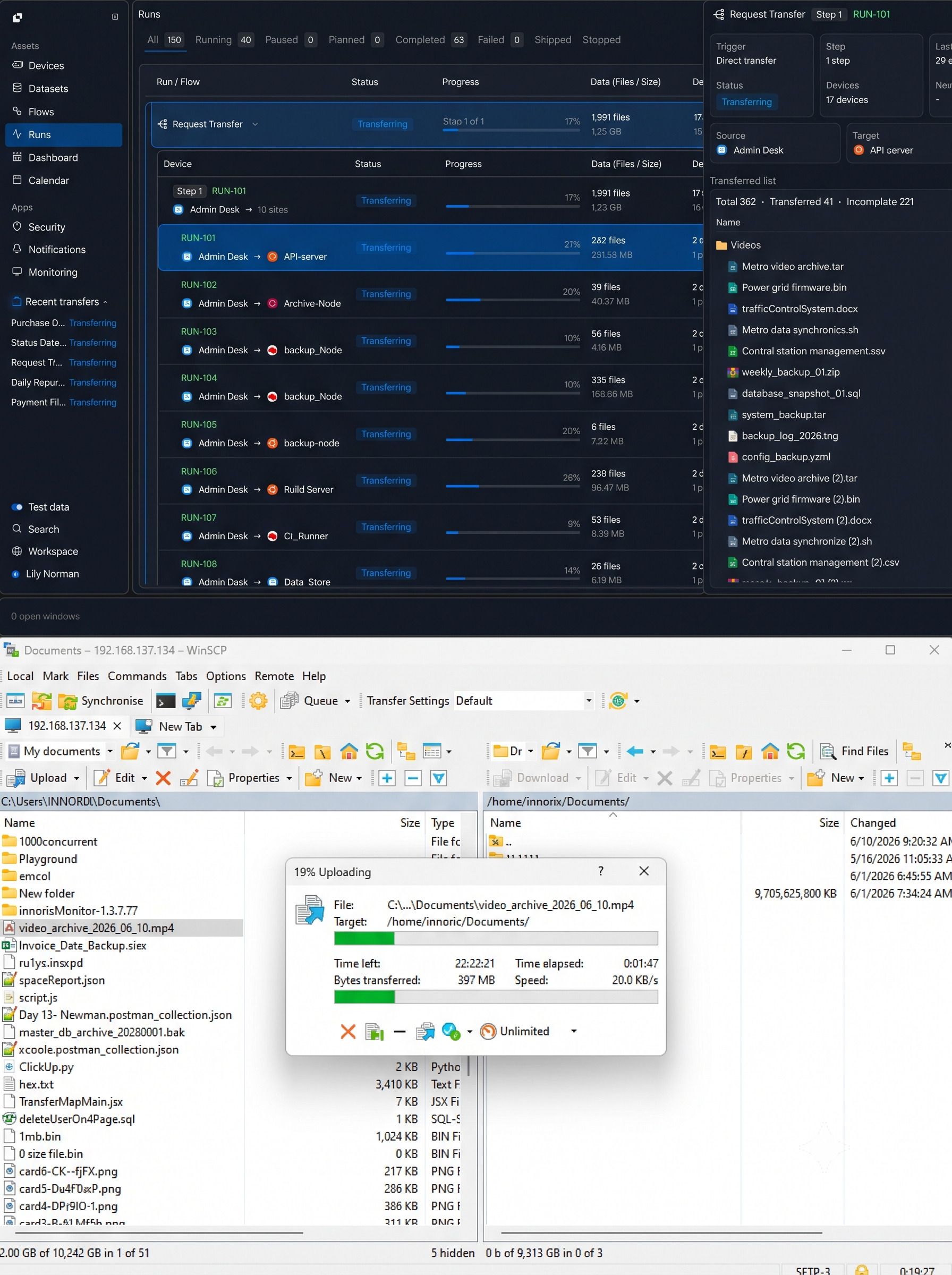 Comparison showing legacy tool '14 days remaining' vs INNORIX '8 hours remaining'
| File Size | Legacy Time | INNORIX Time | Gap | Result |
|---|---|---|---|---|
| 100GB | 30 min ~ 1 hour | 20 ~ 30 min | 1.5 ~ 2x | Early stage |
| 500GB | 3 ~ 6 hours | 1 ~ 2 hours | 3x+ | Gap expands |
| 1TB | 8 ~ 15 hours | 2 ~ 3 hours | 4 ~ 5x | Overhead increases |
| 5TB | 1 ~ 2 days | 6 ~ 10 hours | 5 ~ 8x | Instability |
| 10TB+ | 2 ~ 5 days (may fail) | 10 ~ 20 hours | 10x+ | Completion uncertain |
| Failure Case | Full retransmission | Resume partial | Infinite gap | Time loss increases |
| Performance Trend | Degrades with size | Constant speed | Gap widens | Structural difference |
| Final Result | “Bigger = impossible” | “Bigger = better” | Reversed outcome | Optimized for scale |
Perfect Bit-Level Consistency: Zero Bit Corruption Even Within Massive Data#
Full validation proving no data corruption even in 10TB scale.
 INNORIX report showing identical SHA-256 hash values between source and target
| Verification Stage | Legacy Method | Limitation | INNORIX Method | Result |
|---|---|---|---|---|
| Unit Verification | File-level | Cannot detect internal corruption | Block/segment-level validation | Real-time detection |
| Scope | Sampling | Limited reliability | Full validation | No omission |
| Method | Size comparison | Cannot detect mismatch | Hash/checksum | Exact match |
| In-transfer Validation | None or limited | Error accumulation | Real-time correction | Immediate fix |
| Error Handling | Full retransmission | Time waste | Partial retransmission | Efficient recovery |
| Ultra-scale Handling | Skipped validation | Accuracy drops | Same validation regardless of size | Same-level performance at 10TB |
| Final Validation | Post-check only | Hidden errors possible | Dual validation (before/after) | Guaranteed match |
| Final Result | “Assumed normal” | Uncertainty | “Exactly identical” | Zero bit error |
A New Standard for Ultra-Large Transfers: Preparing for the PB Era Beyond 10TB#
Removing size limitations entirely so businesses can focus purely on data usage.
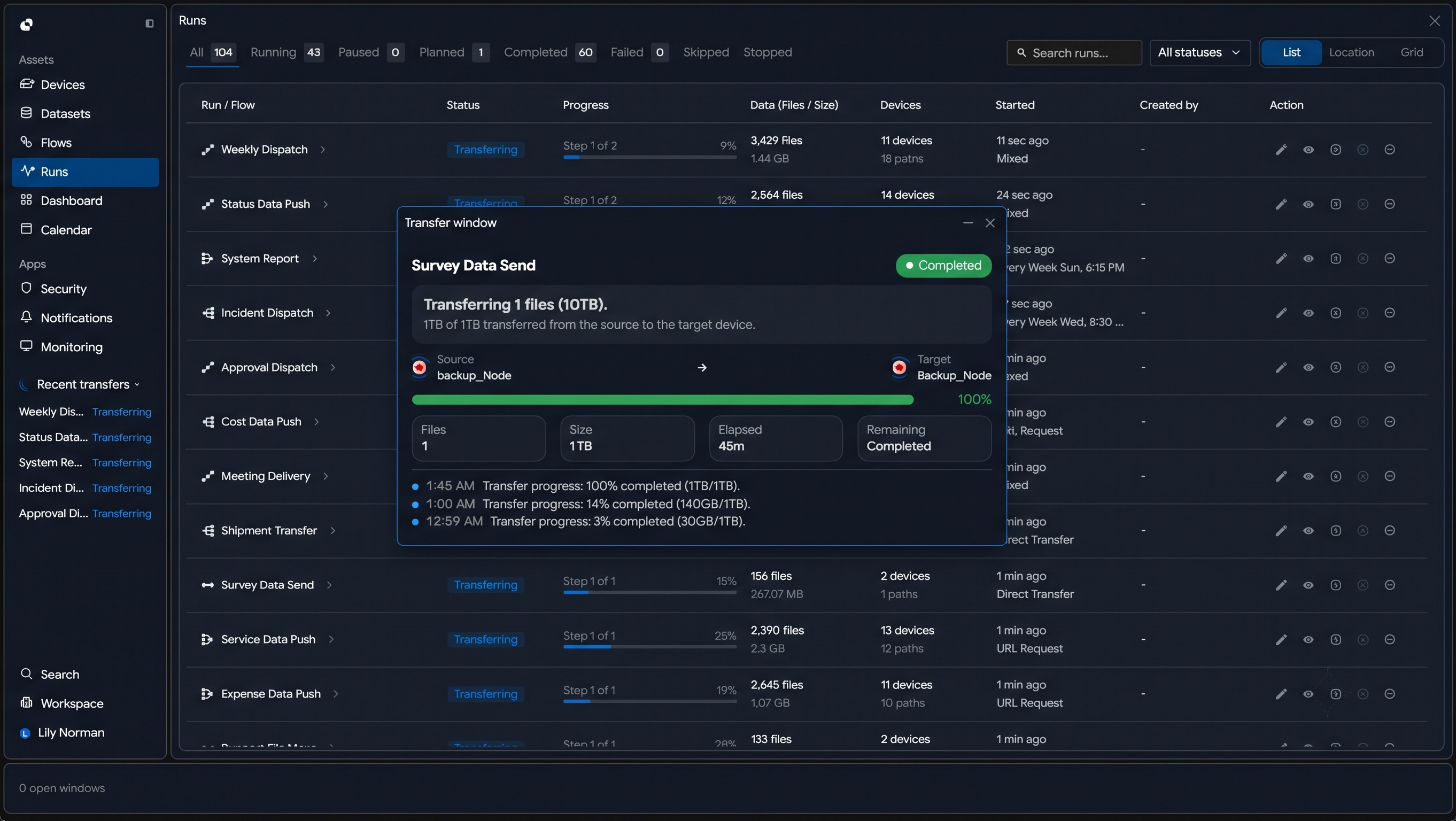
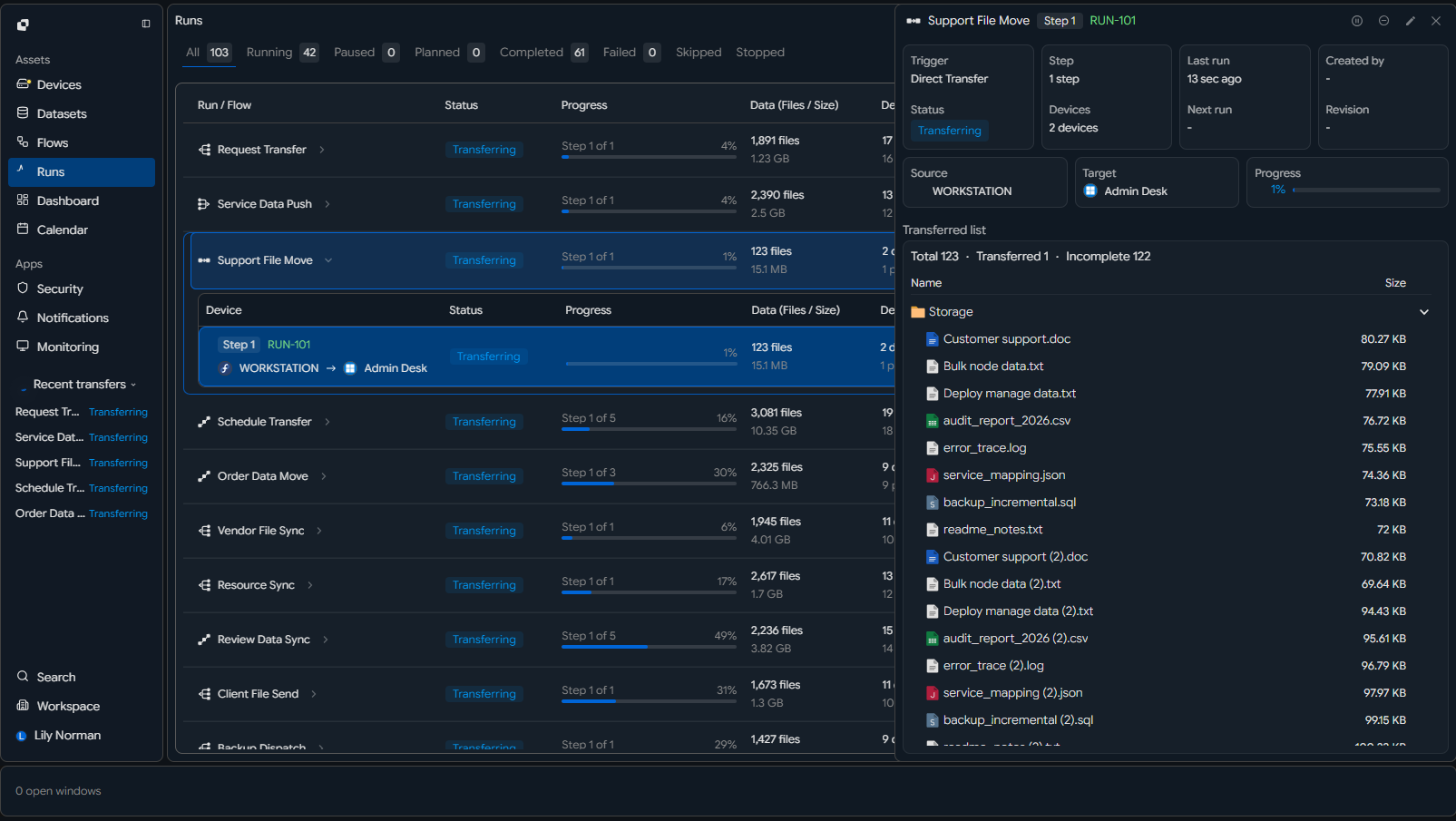 INNORIX console showing successful 10TB transfer history and 100% system uptime report
| Category | Legacy Standard | Limitation | INNORIX Standard | Result |
|---|---|---|---|---|
| Supported Size | GB ~ TB | Unstable beyond 10TB | TB ~ PB | No size limit |
| Stability | Fails in long transfers | Session limitation | Non-stop transfer | Stable |
| Method | File-based | Entire failure on interruption | Streaming-based | Continuous |
| Failure Handling | Restart-based | Time loss | Resume-based | Lossless recovery |
| Performance | Slows as size increases | Poor scalability | Constant performance | Linear scaling |
| Infra Dependency | High-end required | Cost increase | Works on general infra | Independent |
| Data Reliability | Partial validation | Error risk | Full validation | 100% accuracy |
| Operation | Manual | Human dependency | Automated system | Unmanned operation |
| Final Definition | “Large transfers are hard” | Structural limitation | “Size doesn’t matter” | New standard |