How INNORIX Works
Connect every system.
Transfer files directly.
Automate when you need to.
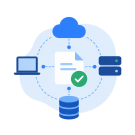
Connect Every System
Connect workstations, servers, cloud platforms, storage, AI, and edge systems—across different operating systems and networks.

Direct Transfer, Without the Middle Layer
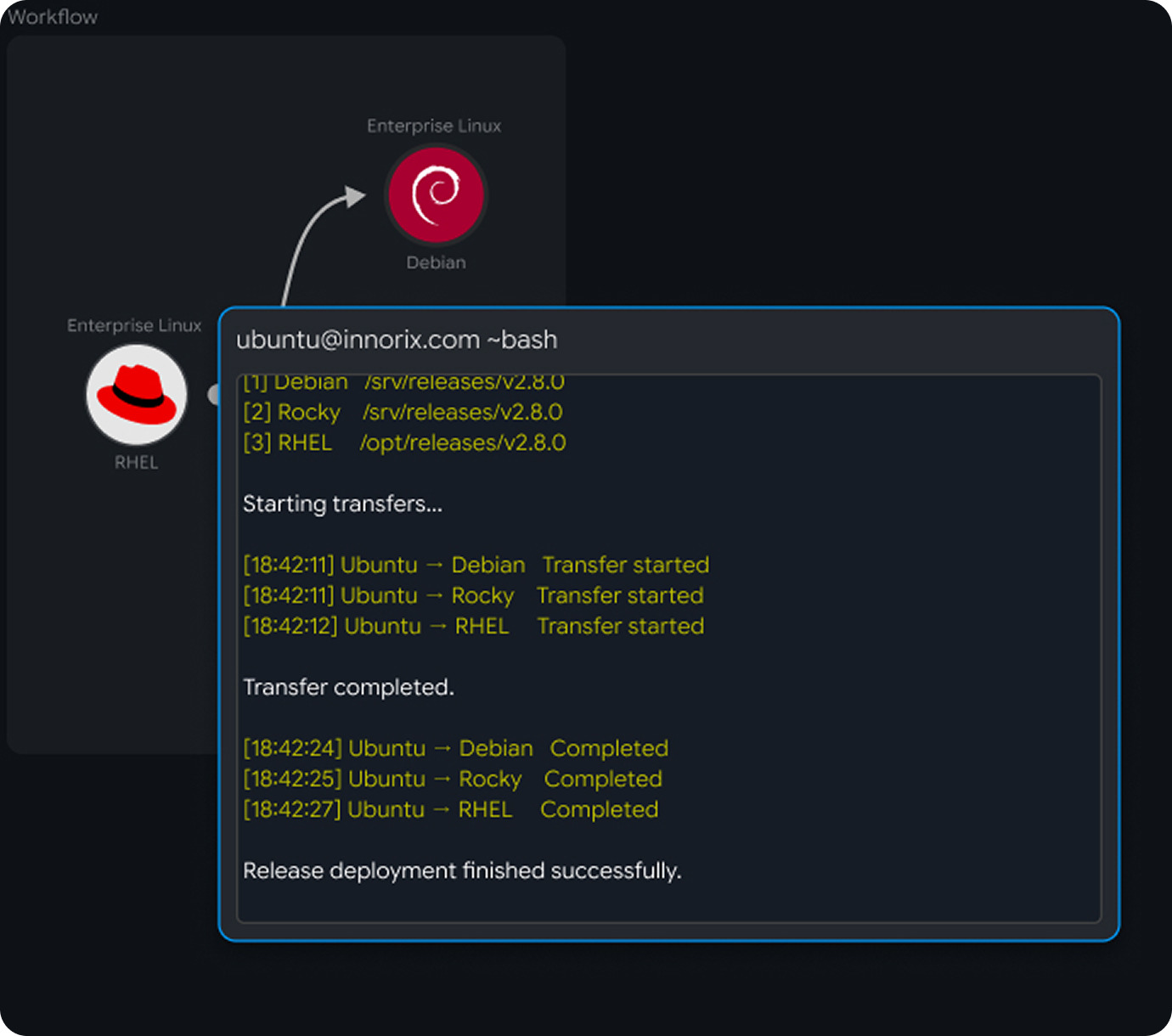
Move files directly from source to destination without first uploading them to shared storage or building intermediary transfer infrastructure.
One Platform, Multiple Ways to Work
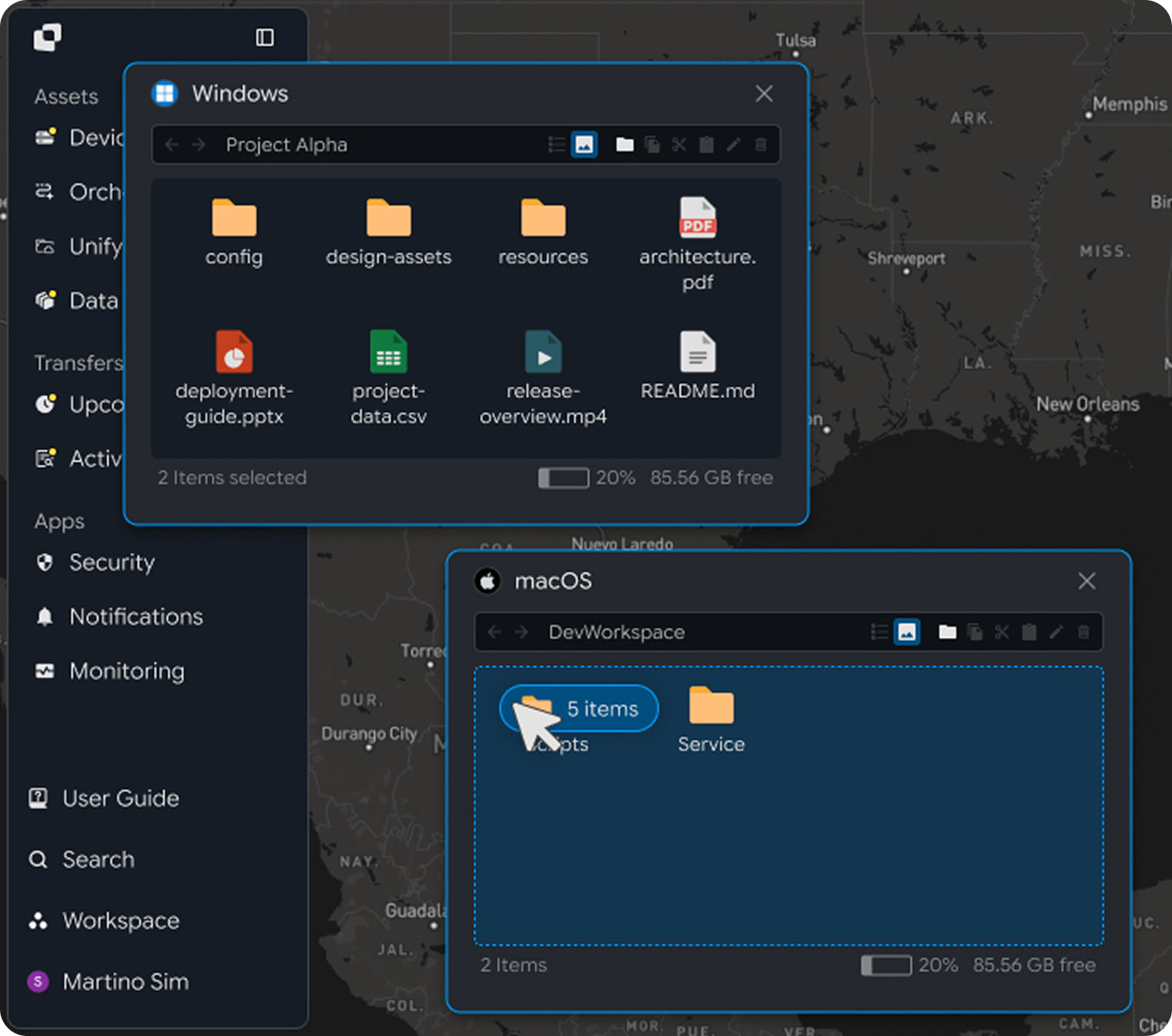
Explore & Transfer
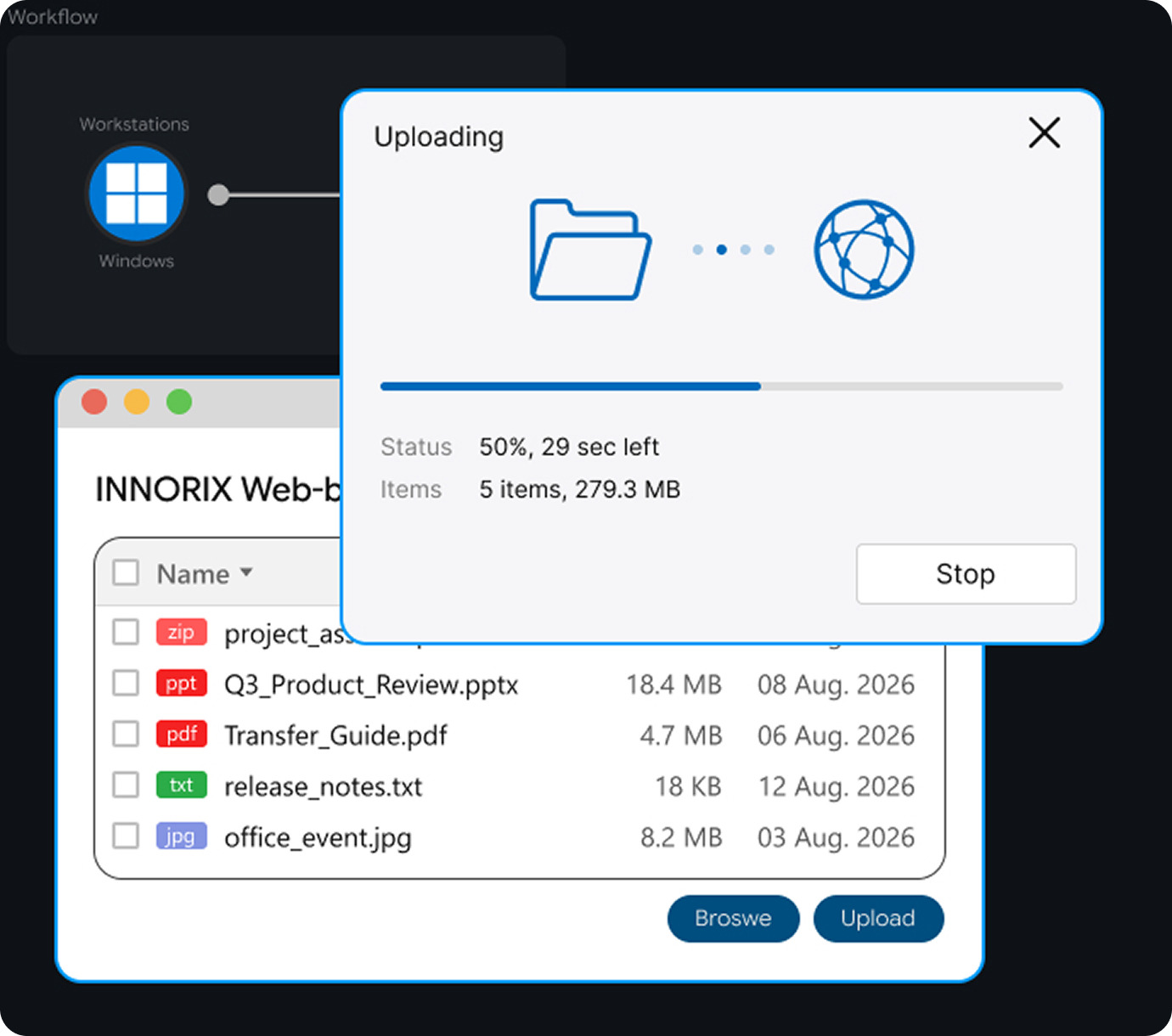
Browse files on connected systems remotely and transfer them directly with drag and drop.
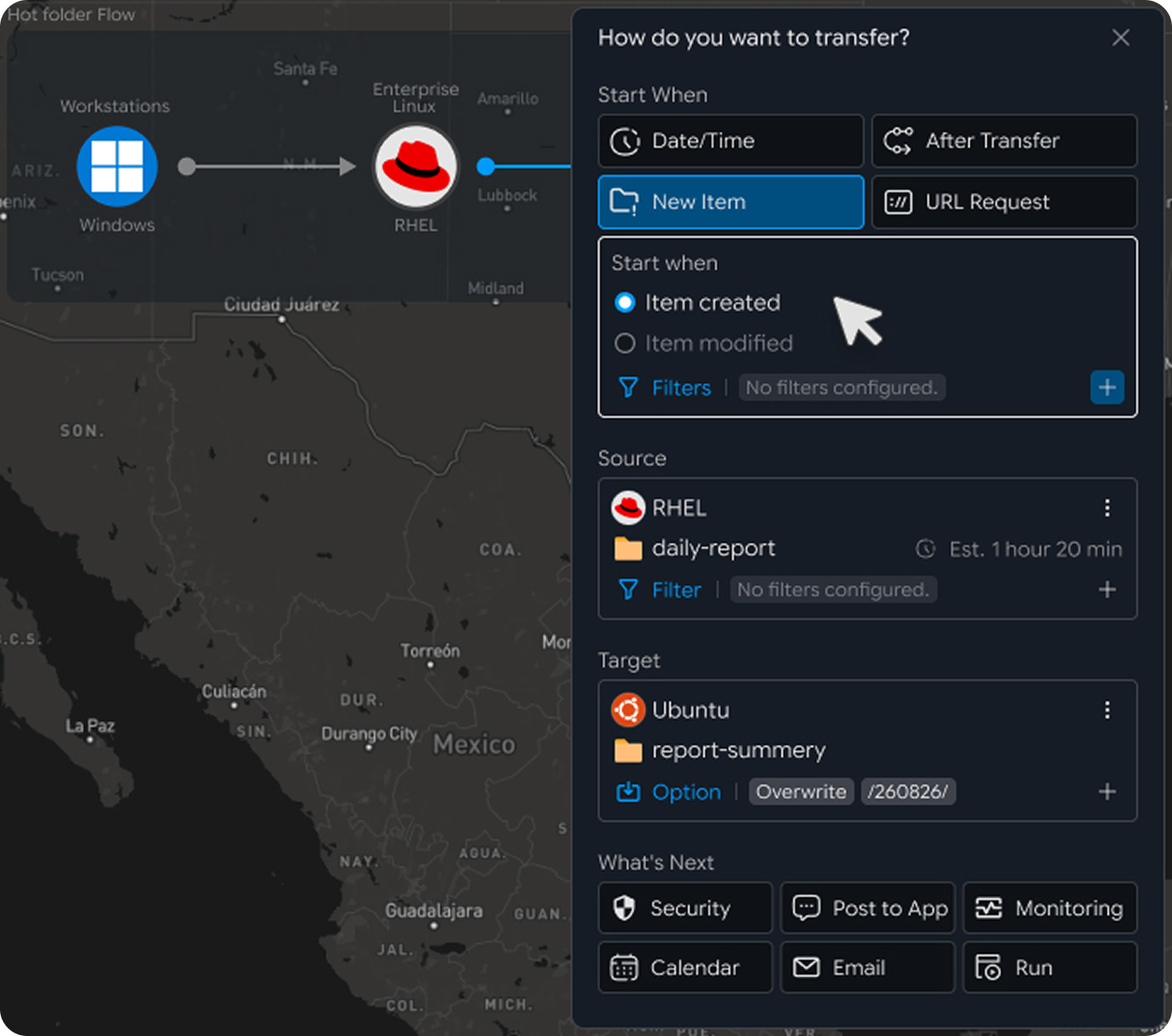
Folder Sync & File Events
Keep folders up to date with one-way, two-way, or incremental sync—or automatically transfer new files as they are created.
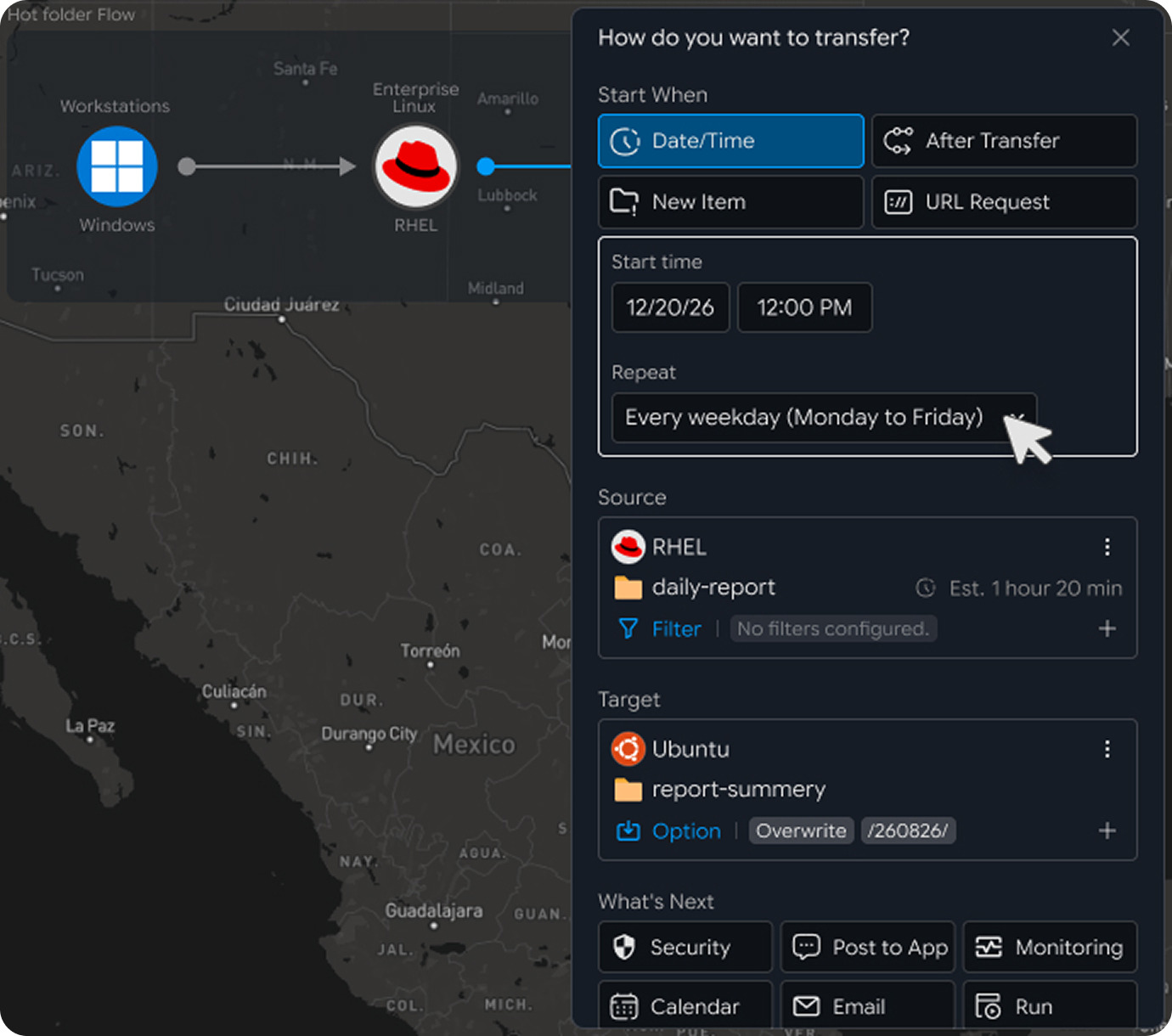
Recurring Transfer Automation
Run one-time or recurring transfers automatically on schedules that match your operations: by time, day, week, month, weekend, after-hours, and more.
Web Upload & Download
Add high-performance, large-file upload and download to your website, customer portal, or business application. Exabyter is now part of the INNORIX Platform.
API, SDK & Embedded Transfer
Start file transfers from your application when needed, embed the transfer UI in your product, and receive results through events and callbacks.
File Transfers, Managed Until Completion
Set it once. INNORIX handles the rest.

Automatic Resume
Continue the transfer from where it stopped.

Integrity Verification
Verify that the file received at the destination matches the original.

Automatic Retry
Automatically retry failed files based on your transfer policy.

Per-File Results
See whether each individual file—not just the overall job—was transferred successfully.

Monitoring & Alerts
Track transfer progress, interruptions, retries, recovery, and completion in real time.
Events & Webhooks
Return transfer status and completion results to the application or system that requested the transfer.
Explore Everything INNORIX Supports
Find the capabilities you need for your work.
Indicates features supported by the INNORIX Platform, and → shows you how to use them.
By Capability
File Distribution
File Collection
One-to-Many Transfer
Many-to-One Transfer
Rule-Based Routing
Content-Based Routing
Multi-Step Transfer
Chained Transfer
Conditional Workflow
Workflow Automation
File Sync
Folder Sync
One-Way Sync
Two-Way Sync
Incremental Sync
Changed Files Only
Scheduled Sync
Real-Time Sync
Scheduled Transfer
Recurring Transfer
Hot Folder
Folder Monitoring
Event-Based Transfer
New File Trigger
File Change Trigger
Conditional Transfer
API Trigger
Webhook Trigger
Encrypted Transfer
Content Encryption
Metadata Encryption
Integrity Verification
Hash Verification
Post-Transfer Verification
Transfer Policy
Network Zone Policy
Permission Control
Automatic Re-send
Auto Resume
Automatic Retry
Interrupted Transfer Recovery
Network Recovery
Reboot Recovery
Process Recovery
Packet Loss Resilience
High-Latency Transfer
Failed File Re-send
Checkpoint Resume
Zero-Byte Prevention
Transfer Queue
Transfer Priority
Bandwidth Control
Concurrency Control
Pause / Resume
Storage Capacity Check
Real-Time Monitoring
Transfer Status
Per-File Status
Transfer History
Failure Monitoring
Notifications
File Distribution
File Collection
One-to-Many Transfer
Many-to-One Transfer
Rule-Based Routing
Content-Based Routing
Multi-Step Transfer
Chained Transfer
Conditional Workflow
Workflow Automation
By Environment
Workstations
Windows
macOS
Enterprise Linux
Ubuntu
RHEL
Rocky Linux
Debian
Fedora
CentOS
Cloud Storage
Amazon S3
Azure Blob
Google Cloud Storage
Enterprise Storage
Dell ObjectScale
IBM Cloud Object Storage
Object Storage
Alibaba Cloud OSS
Cloudflare R2
Other Object Storage
By Experience
File Explorer
Browse remote systems and move files with drag and drop.
Scheduled Transfer
Run one-time or recurring transfers automatically.
Hot Folder & Events
Start transfers when files or events appear.
Workflow Automation
Connect transfers into automated file flows.
Web Upload & Download
Add high-performance file transfer to your website.
Embedded File Transfer
Build file transfer into your application or product.
Start Your Way

Teams & Business Users
Send files directly without shared drives, keep team folders up to date, and handle large-file workflows with ease.

IT & Engineers
Browse remote systems, automate recurring transfers, migrate existing scripts, and connect file-based systems.

Developers
Use APIs and SDKs to add file transfer, automation, events, and complete file flows to your applications.
Connect Two Systems and Start Your First Direct Transfer
Start with two devices and one file. Add schedules, events, APIs, and complete file flows when you need them.