
File Transfer for
The World's Most Critical Systems.

EXPERIENCE INNORIX
500 → 1
Collect files from 500 devices into a single analysis environment.
If a connection is interrupted, transfers recover automatically and continue from where they stopped.
 Portal
DEVICES
— / 500
500 devices are ready for the collection.
PROVEN AT SCALE
Already trusted across 5,000+ enterprises
and public infrastructure systems.
Building on proven operational experience across thousands of organizations and national-scale
public environments, we are expanding into new transfer environments driven by cloud, AI, edge, and connected devices.





















INNORIX PLATFORM
One platform, three ways to use it
From developers to engineers to the people doing the work. Everyone can use INNORIX Platform the way that fits their purpose.

Quick
Developers, Small projects
Connect a machine and transfer right away, and wire transfer into your application with the API, MCP and Builder.
Explore Quick
Studio
Engineers, Operations managers
Set up machines and transfer flows, and manage it all in one place -- automation, run status and results.
Explore Studio
Portal
Business users, External partners
Run a transfer from a ready-made screen with no setup, and check its progress and results.
Explore Portal
FILE TRANSFER SOLUTIONS
File transfer, every way you need it
INNORIX Platform supports file transfer for different environments and purposes. These are the eight solutions it is most often used for.
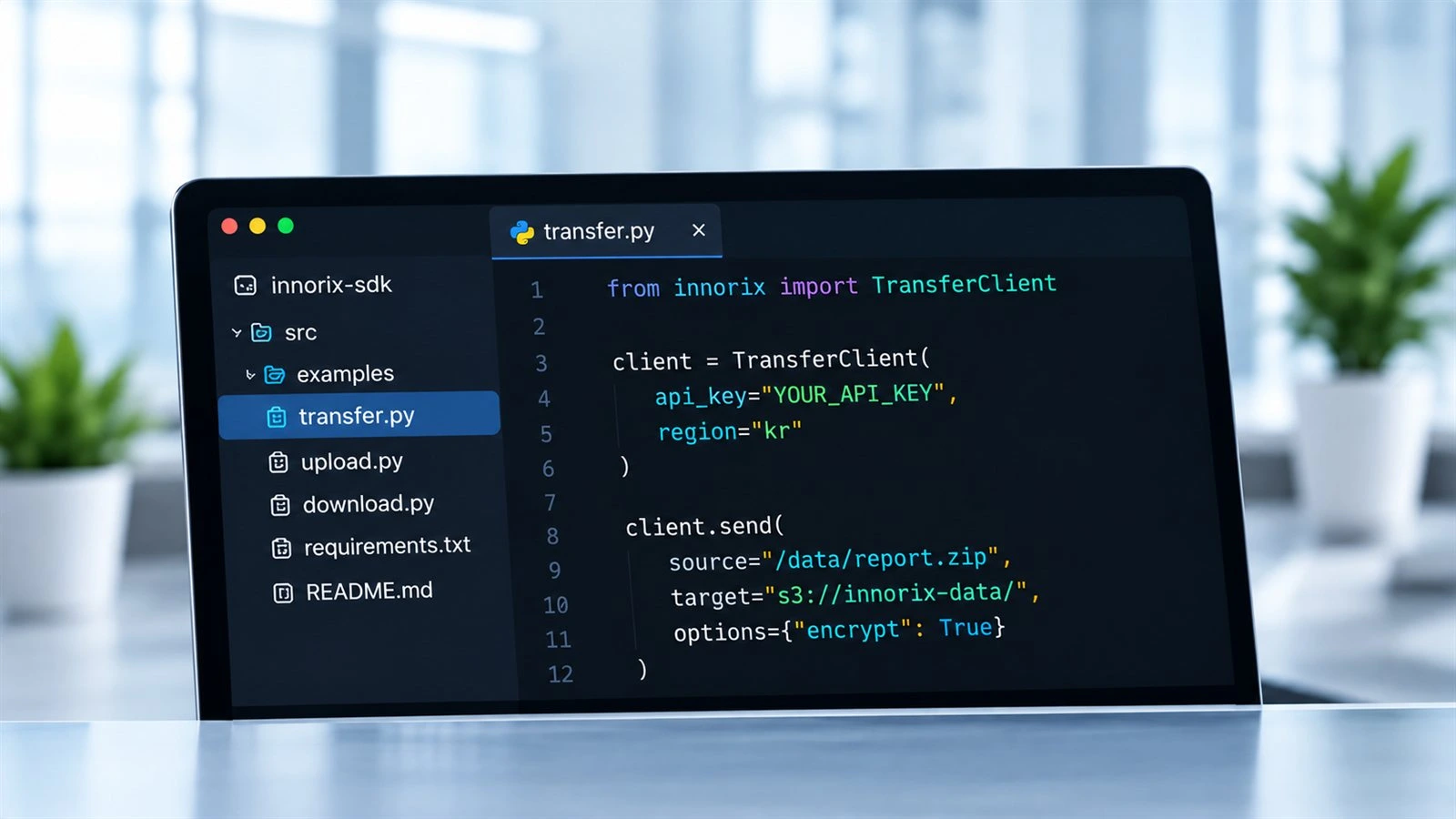 Add file transfer to your softwareBuild device-to-device file transfer into an existing application, or into software you are developing now, with the SDK and API.
 Build file transfer into your hardwareEmbed file transfer in hardware products of every kind -- cars, home appliances, drones and industrial equipment.
 Large uploads and downloads on your websiteIntegrate INNORIX EX into your website so visitors can upload and download large files easily.
 Transfers your team runs by themselvesBusiness users -- researchers in a lab, for one -- run prepared transfers themselves and watch how far they have got.
 Automate transfers by schedule and eventSet a schedule or an event in INNORIX Studio and the transfer runs on its own.
 Distribute to and collect from large fleetsDistribute files to hundreds or thousands of devices in one go, and collect back the files you need.
 File transfer and automation through AITransfer files in plain language from ChatGPT, Claude or Gemini, and let AI agents run the transfers for you.
 High-speed transfers between global sitesMove tens to hundreds of TB between data centers and company sites, across countries and continents.
PROVEN AT SCALE
Tested Beyond Typical Conditions
Built and tested for file transfer conditions that rarely occur in typical environments.
100,000,000 x small files
Not size, but count. Millions of files moved as one continuous transfer.Learn more1,000 Interruptions
Connections failed again and again. The transfer didn’t.Learn more30% Packet Loss
Extreme packet loss. No restart. No data loss.Learn more10TB+ Single File
Massive file. Delivered intact, end to end.Learn more1,000 Concurrent Transfers
Full-scale parallel execution. No bottlenecks.Learn moreIntegrity Under Attack
Files were targeted. Not a single byte was compromised.Learn moreMobile Network Switching
4G, 5G, Wi-Fi — switching constantly, transfer uninterrupted.Learn moreUniversal Connectivity
Clouds, servers, and edge devices — all connected, all moving.Learn moreFAQ
Find the Answers You Need Quickly
Can I start for free without a credit card or sales meeting?
Yes. You can create a free account without a credit card, connect real devices, and transfer files through the web explorer or API. You can get started online immediately without a sales consultation or contract.
Can I use INNORIX even if I do not need large-scale or ultra-high-speed transfers?
Yes. You can use the same product for one-time file transfers, small or temporary projects, recurring folder transfers, large-scale transfers, and multi-step automation. Start with only the transfers you need, then add automation and operational capabilities as your project grows.
What types of devices and systems can I connect?
You can connect Windows, Linux, and macOS devices, virtual machines on AWS, Azure, and Google Cloud, object storage such as Amazon S3, Azure Blob Storage, and Google Cloud Storage, Kubernetes environments, and devices at remote locations. Different types of devices in different locations can be connected through a single transfer path.
Are files transferred directly between devices without a separate transfer server or shared storage?
Yes. Files move directly between the connected source and destination devices. There is no need to copy files through a relay server or shared storage, and INNORIX Cloud does not store intermediate copies of transferred files. INNORIX manages device connections, transfer policies, execution status, and history.
Do I need separate products for transfer, API, automation, and monitoring?
No. Web-based file exploration, API transfers, scheduling, file-change detection, multi-step transfer workflows, and real-time monitoring are all available within the INNORIX Platform. The number of supported devices and advanced policies may vary by plan, but you do not need to combine separate products or modules for each function.
Can I use transfer configurations created with a free account in production?
Yes. Transfer flows, schedules, policies, and processing conditions created with a free account can be carried over into production environments. When moving a configuration tested in the cloud to an on-premises or air-gapped environment, you only need to reconnect environment-specific values such as devices, folder paths, and credentials. A configuration created once can also be reused across other projects.
Can I migrate gradually while continuing to use FTP, SFTP, SCP, or rsync?
Yes. You do not need to stop existing commands or scripts all at once. INNORIX can be introduced alongside your current tools on a transfer-path-by-transfer-path basis. You can compare results, validate each path, and then gradually add automation and centralized management.
5,000+ Customers
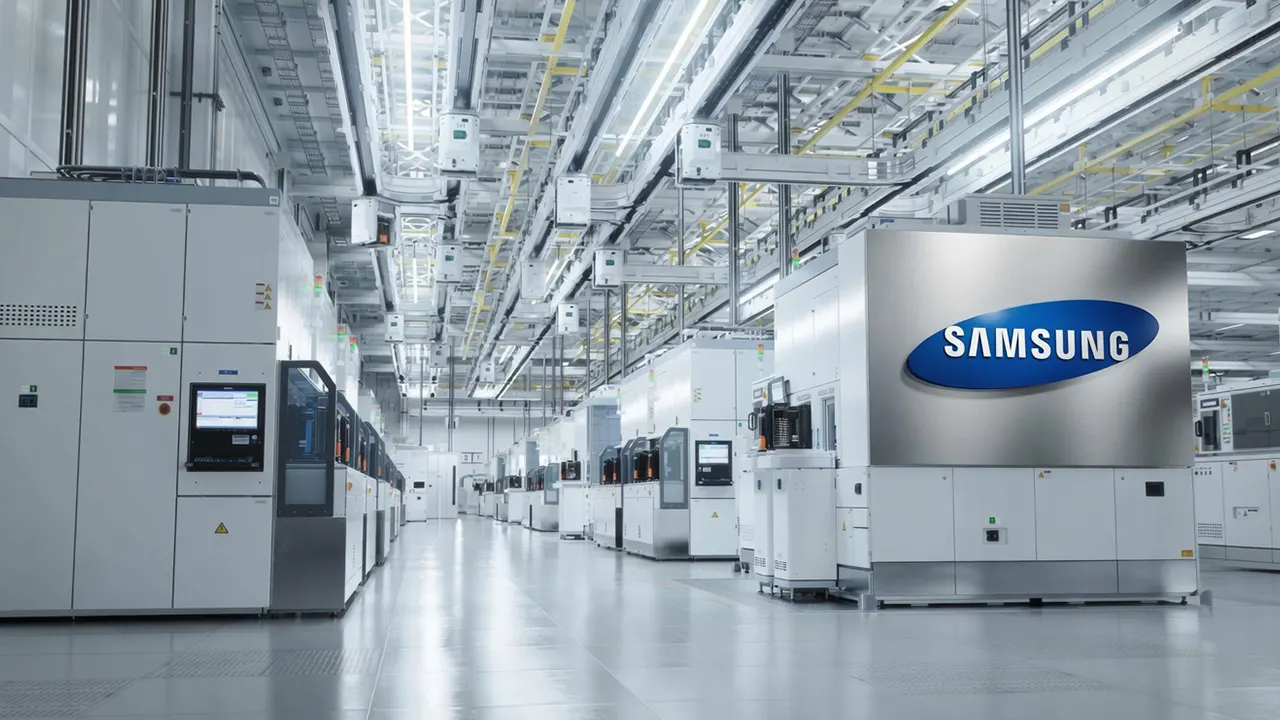

SAMSUNG Electronics
Samsung Electronics manufactures a wide range of consumer and industrial electronic equipment and products such as semiconductors, personal computers, peripherals, monitors, televisions, and home appliances.


Exxon Mobil
Exxon Mobil is a comprehensive energy company engaged in resource development, oil refining, and chemical businesses. With capabilities spanning upstream development to the production of high-value-added products, it continues to strengthen competitiveness across the energy value chain.


Standard Chartered PLC
Standard Chartered PLC provides corporate and institutional financial services through its global network. With expertise across trade finance, investment banking, and corporate finance, it delivers reliable and customized financial solutions to clients.


Hewlett-Packard
Hewlett-Packard is a global IT company that designs and manufactures computing devices and output solutions for personal and enterprise use. Its products and services are developed to support both workplace efficiency and user experience across a wide range of industries.


Philips
Philips is a technology company that designs and manufactures healthcare devices, home appliances, and digital solutions. Through user-centered design and advanced technology, it contributes to improving quality of life in everyday environments.


BNP Paribas
BNP Paribas is a financial group providing comprehensive services with strengths in corporate and investment banking. With expertise across capital markets, asset management, and corporate finance, it builds long-term financial partnerships.


Hyundai Motor Company
Hyundai Motor Company is a comprehensive mobility company that designs and manufactures vehicles and mobility solutions. With capabilities spanning design, manufacturing, and service, it continues to advance the broader mobility experience.


Benetton
Benetton is a fashion brand offering lifestyle products defined by distinctive color, strong design identity, and contemporary style. Its collections are designed to reflect both individuality and evolving trends.


AIA Life Insurance
AIA Life Insurance is a specialized insurer providing life insurance and asset management services. With a focus on long-term protection and financial planning, it supports customers with financial solutions designed for every stage of life.


Red Cross
The Red Cross is a public health institution carrying out health and medical activities based on humanitarian values. Through medical support, disaster response, and blood donation programs, it plays an important role in the social safety net.